Replace Hololight Stream Runtime license file
Contents
Objectives
-
Be able to replace a Hololight Stream Runtime license file using the Hololight Stream Runtime utility.
Replace license file
You can replace a previously set up license file with another license file downloaded onto your computer.
-
Open Hololight Stream Runtime utility.
-
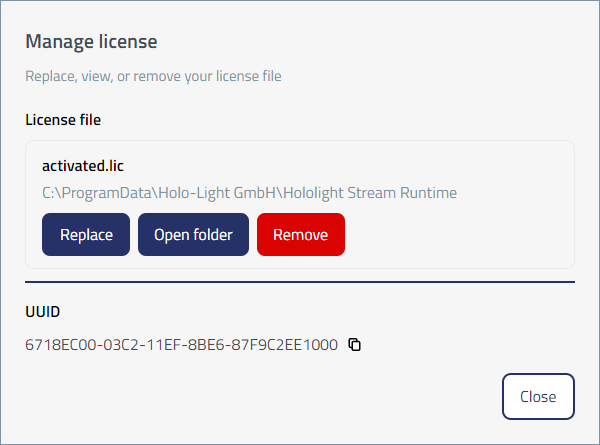
Select Help > Manage license.
-
Select License file > Replace.
-
Using File Explorer, navigate to and select the license file you want to use.