Set up Hololight Stream Runtime for KeyShot Studio
Connect to KeyShot Studio project with Hololight Stream Runtime
After installing Hololight Stream Runtime, you can start your VR experience in KeyShot Studio. KeyShot Studio VR must be installed on your PC. You can also open your scenes directly with KeyShot Studio VR.
-
Open KeyShot Studio.
-
Open your scene.
-
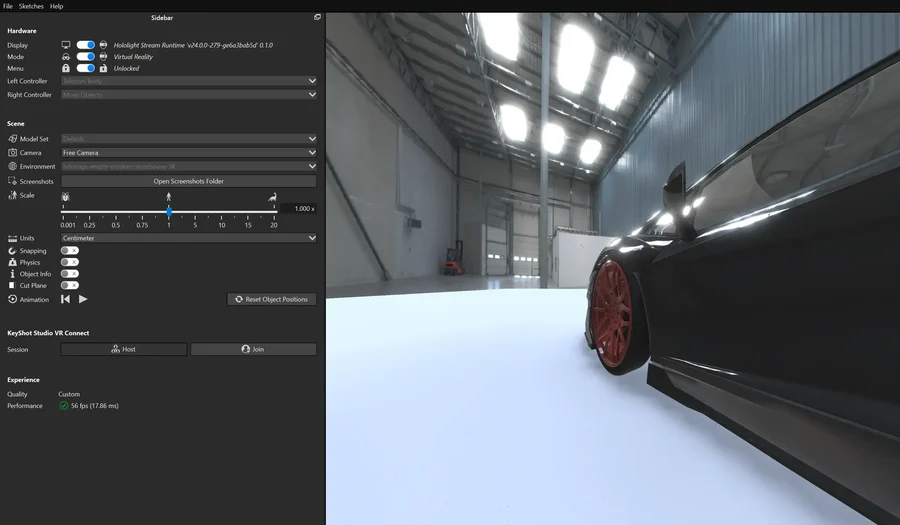
Select VR at the bottom of the application. This launches KeyShot Studio VR.
-
Select KeyShot Studio VR Connect > Session > Host.
-
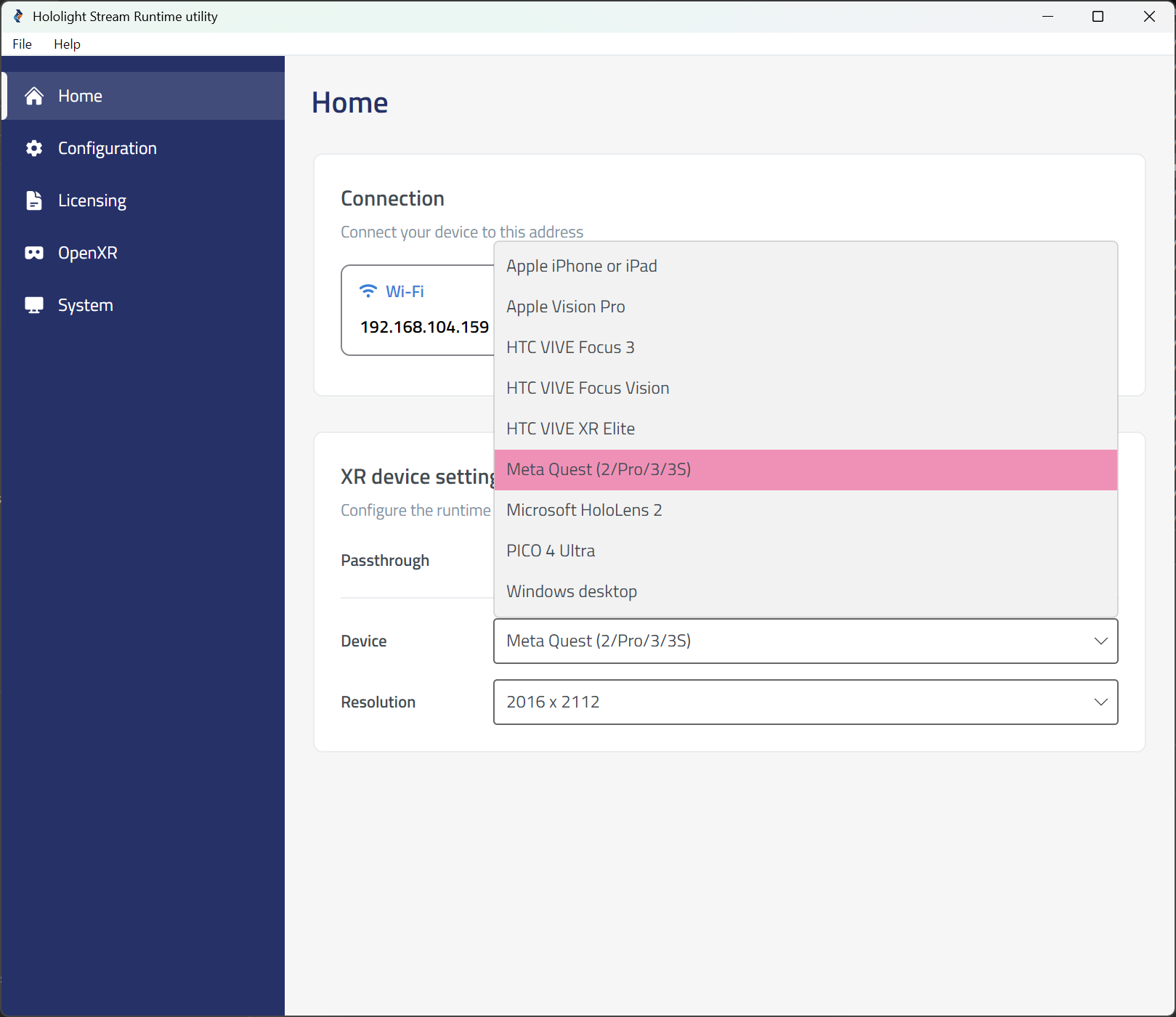
Open the Hololight Stream Runtime utility.
-
Select your XR device in the dropdown menu.
-
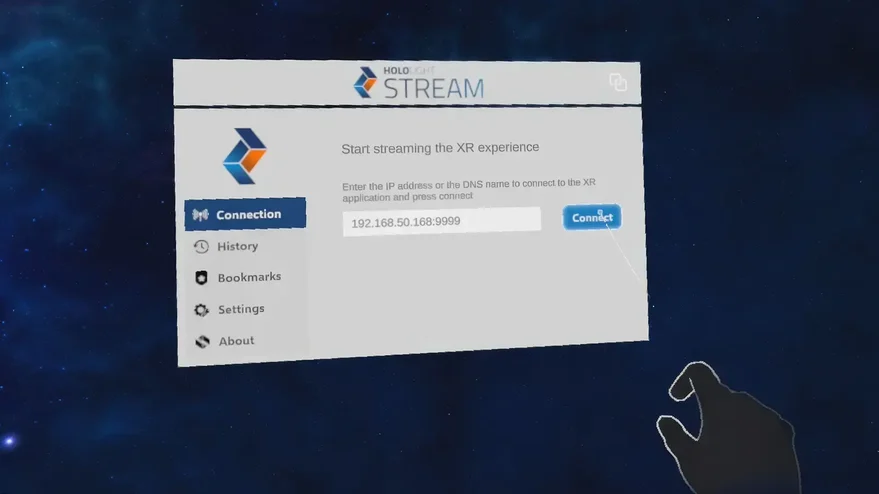
Open Hololight Stream Client on your supported XR device.
-
Enter the IP address shown in the Hololight Stream Runtime utility and select Connect.