Configure Hololight Stream Runtime streaming settings
Contents
Objectives
-
Be able to set Hololight Stream Runtime streaming settings that best fit your network needs.
Configure streaming settings
Open Hololight Stream Runtime utility. Select Configuration. Here you can change the signaling port and port range.
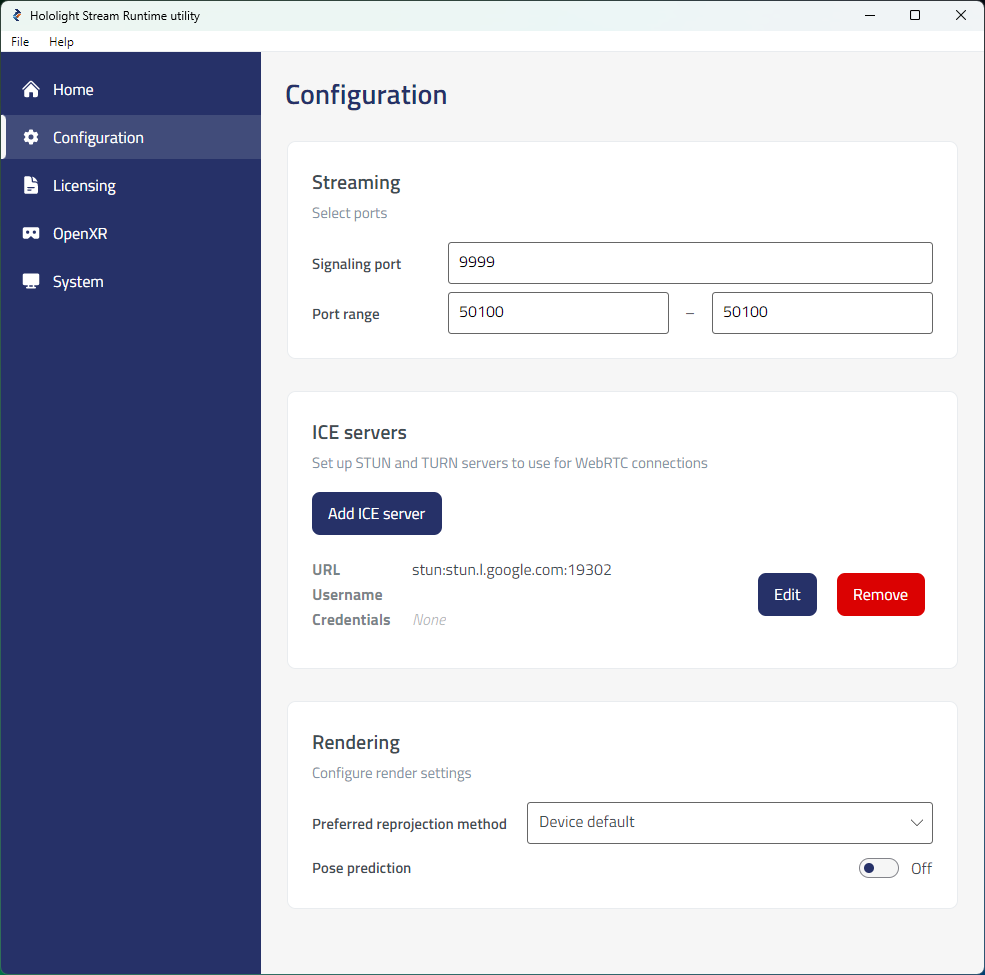
| Setting | Description |
|---|---|
Signaling port |
Specifies the default port used for signaling. This port must be the same port number you specified as the server signaling port. |
Port range |
Allows you to specify the ports used for the running connection. The range must be between 1024 and 65535. You can set a single port by setting the minimum and maximum for the range as the same value. By default, the port is set to 50100. This port can overlap with the signaling port. |