Hololight Stream Runtime for Blender
Contents
Use Blender with Hololight Stream Runtime
Set up Hololight Stream Runtime for Blender
To enable Hololight Stream Runtime with Blender, you need to enable the VR Scene Inspection add-on.
-
Open Blender.
-
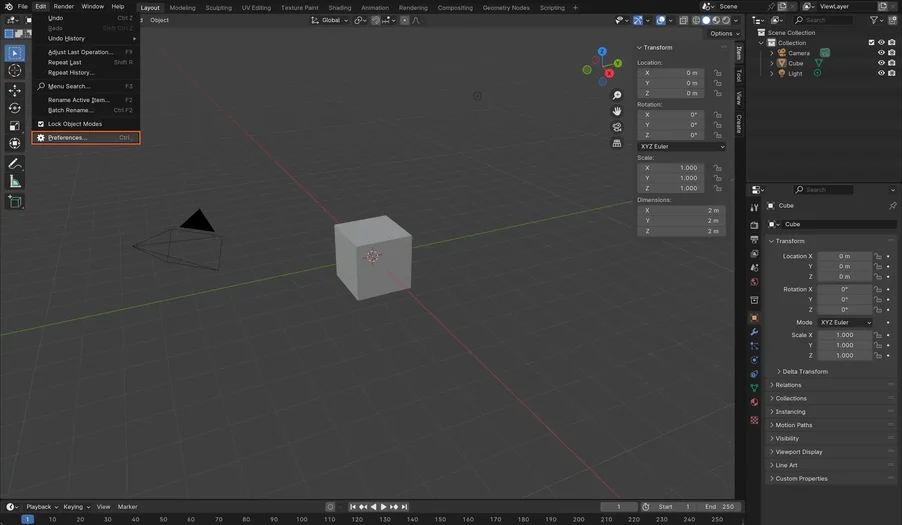
Select Edit > Preferences in the top left corner of the application.
-
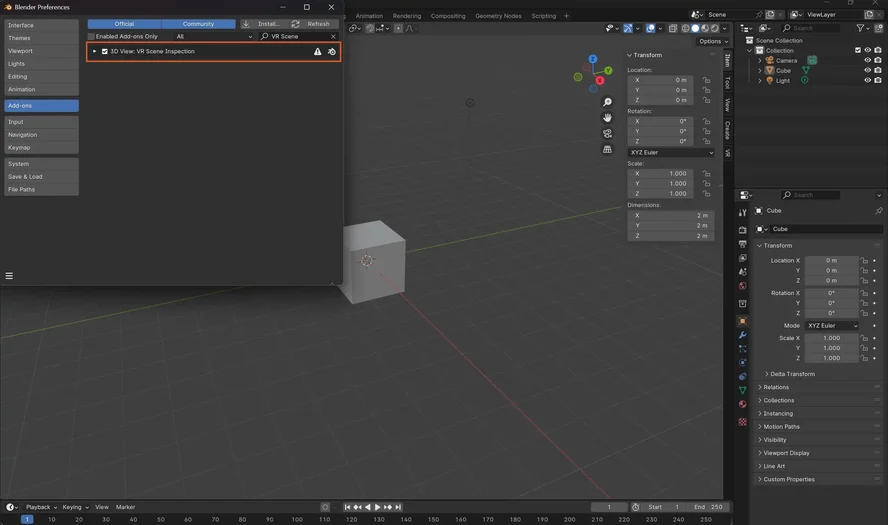
Select Add-Ons.
-
Search for "VR Scene" and enable VR Scene Inspection.
Start the session and connect
To enable streaming, install Hololight Stream Runtime on your workstation. For detailed instructions, see our Hololight Stream Runtime getting started guide.
-
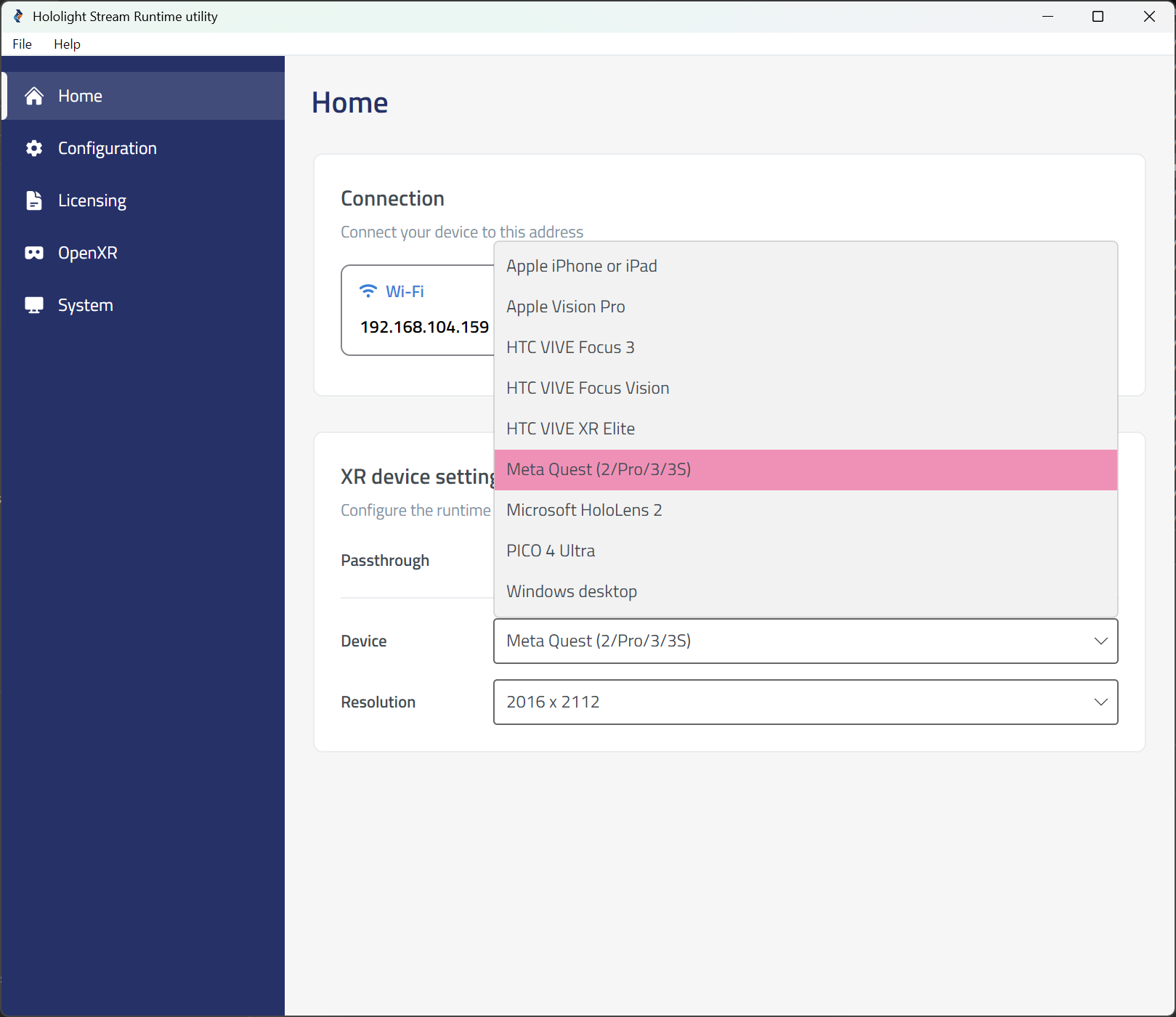
Open the Hololight Stream Runtime utility.
-
Select your XR device in the dropdown menu.
-
Choose between Passthrough or VR mode.
-
Select Start VR Session to connect.
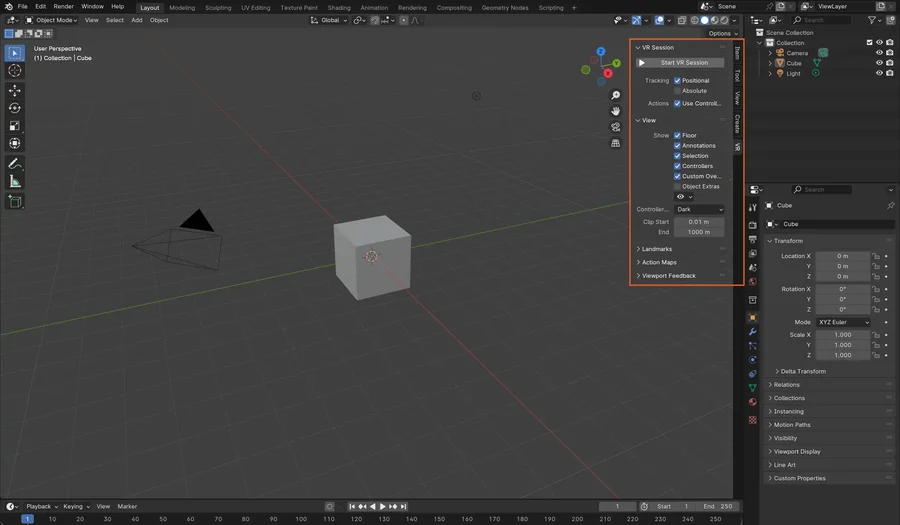
-
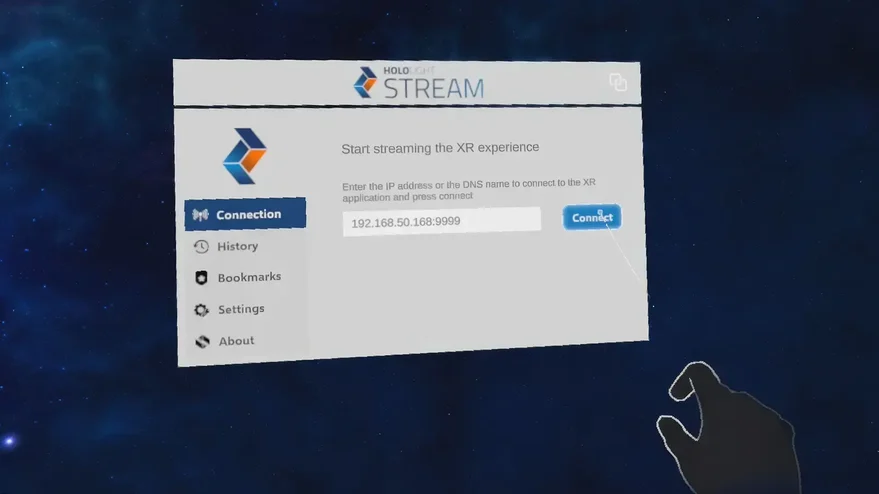
Open Hololight Stream Client on your supported XR device.
-
Enter the IP address shown in the Hololight Stream Runtime utility and select Connect.