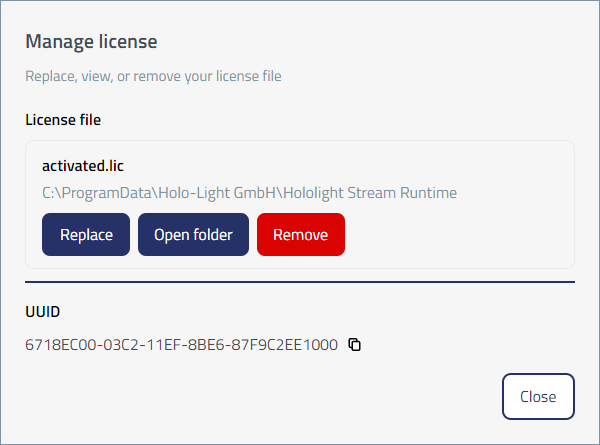
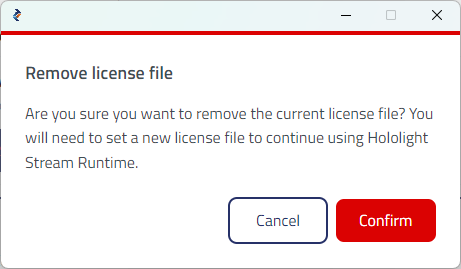
Remove Hololight Stream Runtime license file Contents Objectives Remove license file Objectives Be able to remove a Hololight Stream Runtime license file using the Hololight Stream Runtime utility. Remove license file You can remove your license file after setting it up either through selecting the file or using an activation key. Open Hololight Stream Runtime utility. Select License file > Remove. A small panel will appear. Select Confirm. Replace license file Using different license types