Install Hololight Stream Runtime
Install Hololight Stream Runtime
| To install and use Hololight Stream Runtime on your Windows computer, you must have administrator rights. These rights are required to install the runtime, set the active OpenXR runtime, and make changes to your license settings. |
-
Download the Hololight Stream Runtime installer here.
-
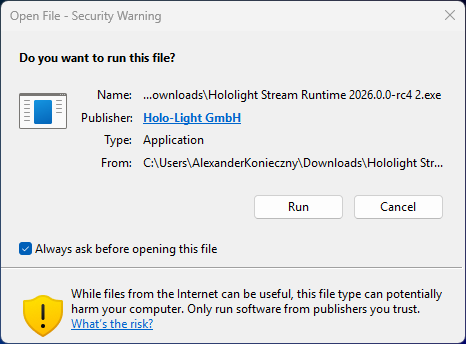
Open the Hololight Stream Runtime installer. If this window appears select Run.
-
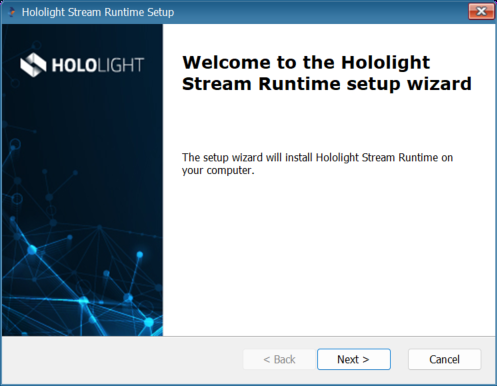
On the welcome screen select Next.
-
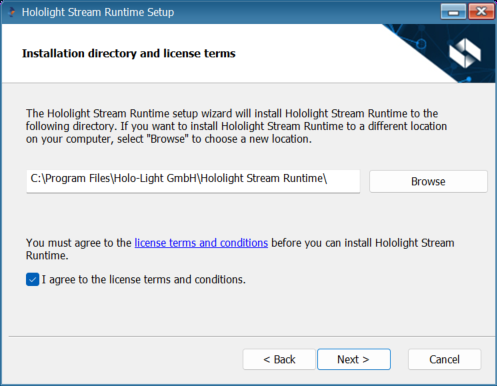
Choose a location to save the Hololight Stream Runtime. Check the box "I agree to the license terms and conditions". Select Next.
-
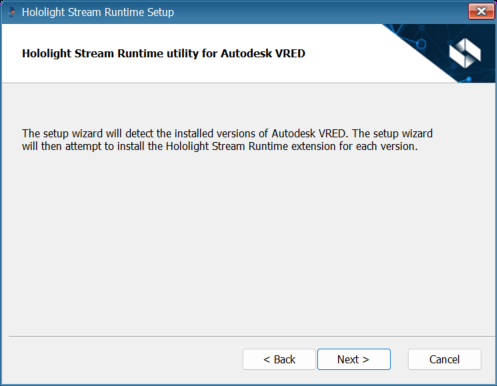
The Hololight Stream Runtime setup wizard will detect any versions of Autodesk VRED installed on your computer and install the corresponding Hololight Stream VRED plugin. Select Next.
-
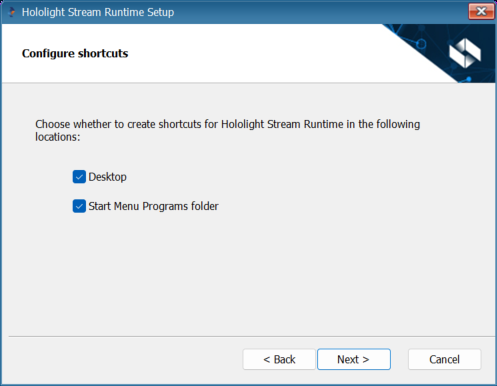
Select where you would like shortcuts for Hololight Stream Runtime Utility to appear in Windows. Select Next.
-
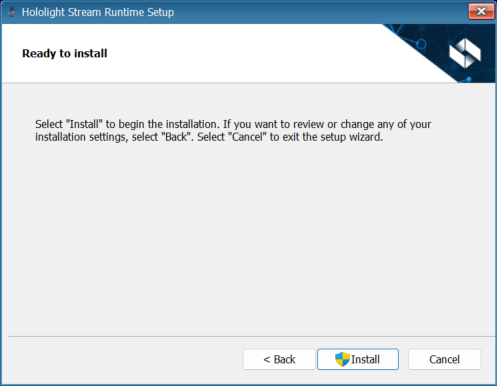
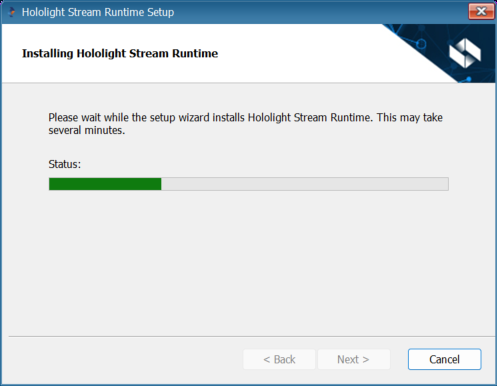
Select Install to start the installation.
-
Once Hololight Stream Runtime finishes installing, select Finish.
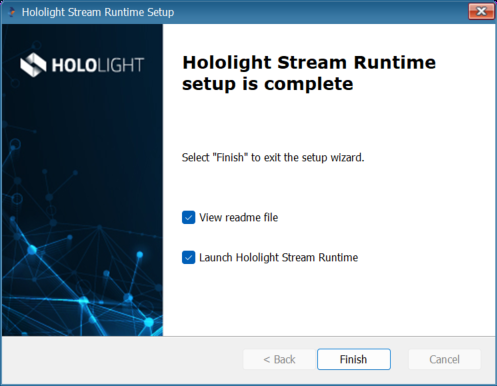
You can now open the Hololight Stream Runtime utility and use the Hololight Stream Runtime.