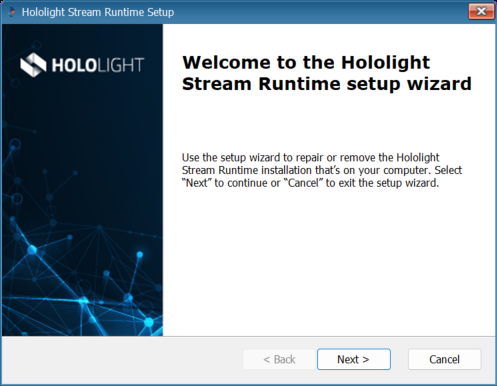
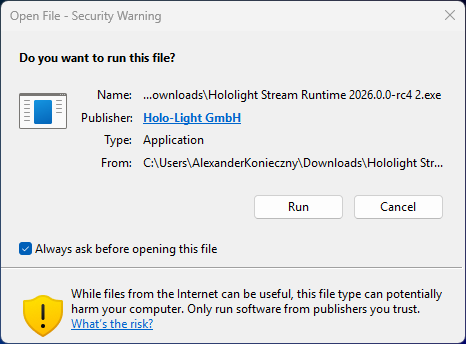
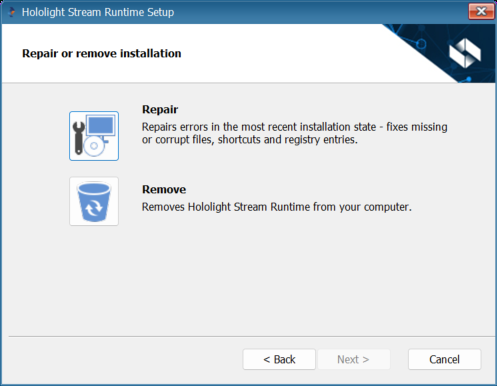
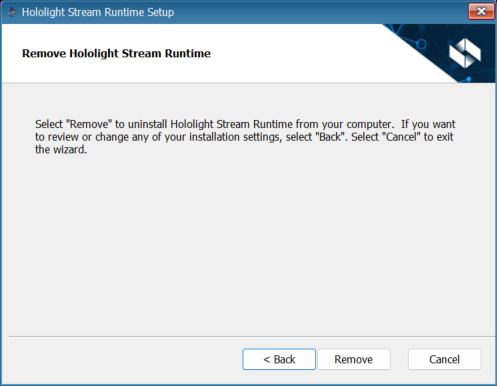
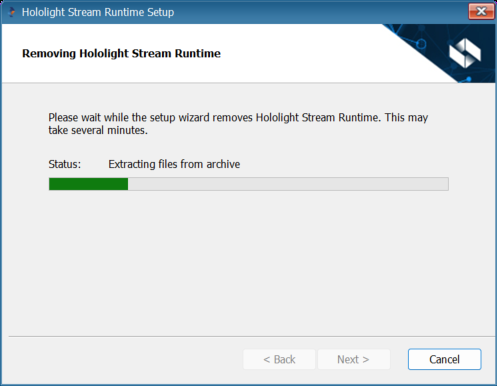
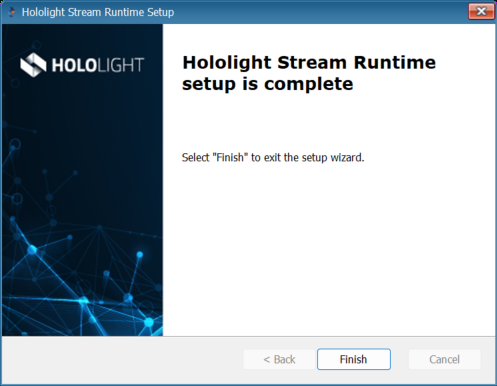
Remove Hololight Stream Runtime Contents Objectives Remove Hololight Stream Runtime Objectives Be able to remove Hololight Stream Runtime. Remove Hololight Stream Runtime Open the Hololight Stream Runtime installer. If this window appears select Run. On the welcome screen select Next. Select Remove. Select Remove. After the removal process is finished, select Next. Select Finish. Repair Set up an offline license server