Troubleshoot Hololight Stream Runtime
Contents
Troubleshoot Hololight Stream Runtime
Hololight Stream Runtime with Autodesk VRED
Encountered issues when using Autodesk VRED
In Autodesk VRED, if you select both "XR" and "Hololight Stream" to enable XR Mode, this can cause issues when using Hololight Stream Runtime with Autodesk VRED.
Black dots appear in shadows and on glass surfaces when viewing the model with Hololight Stream Client
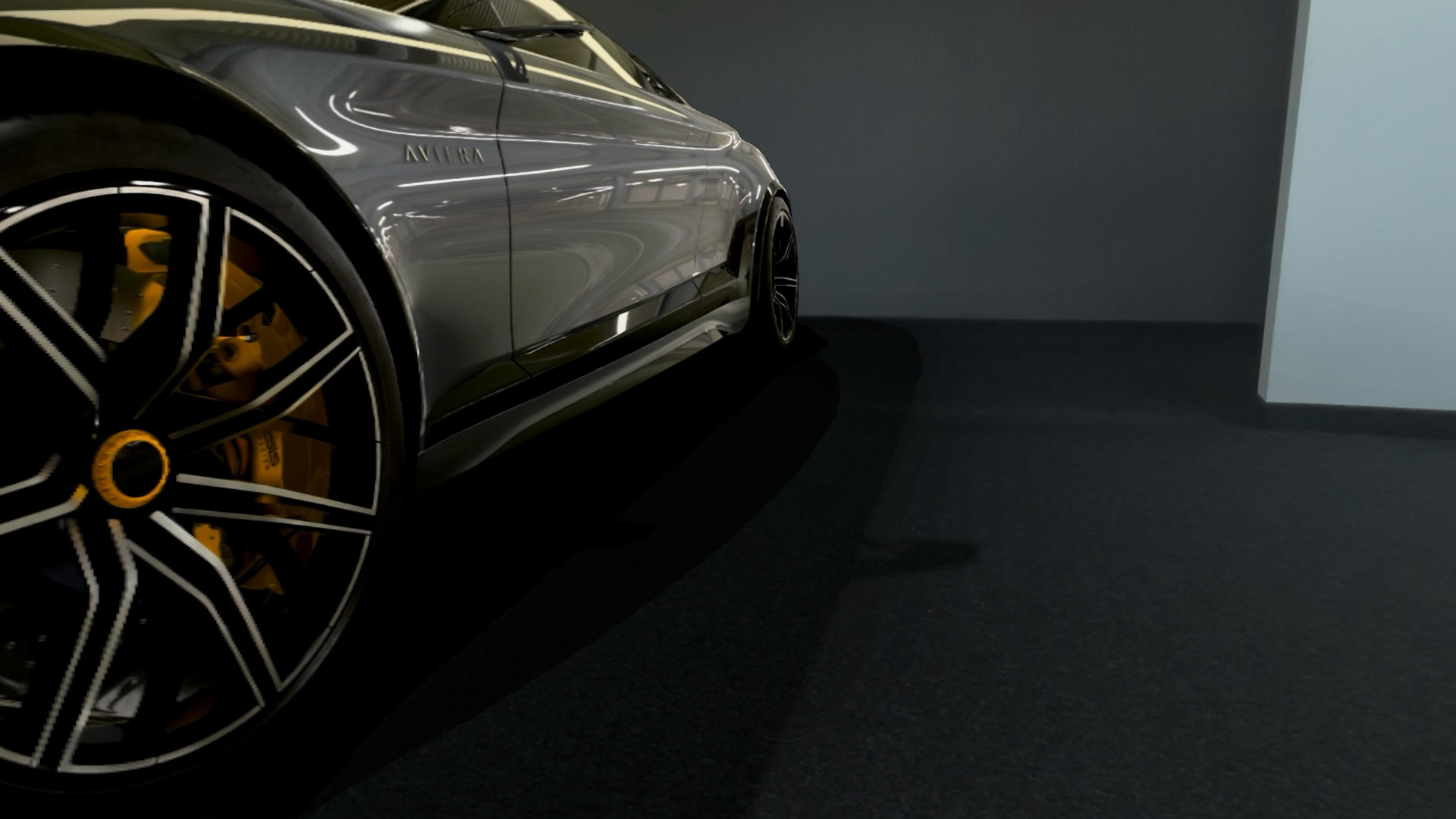
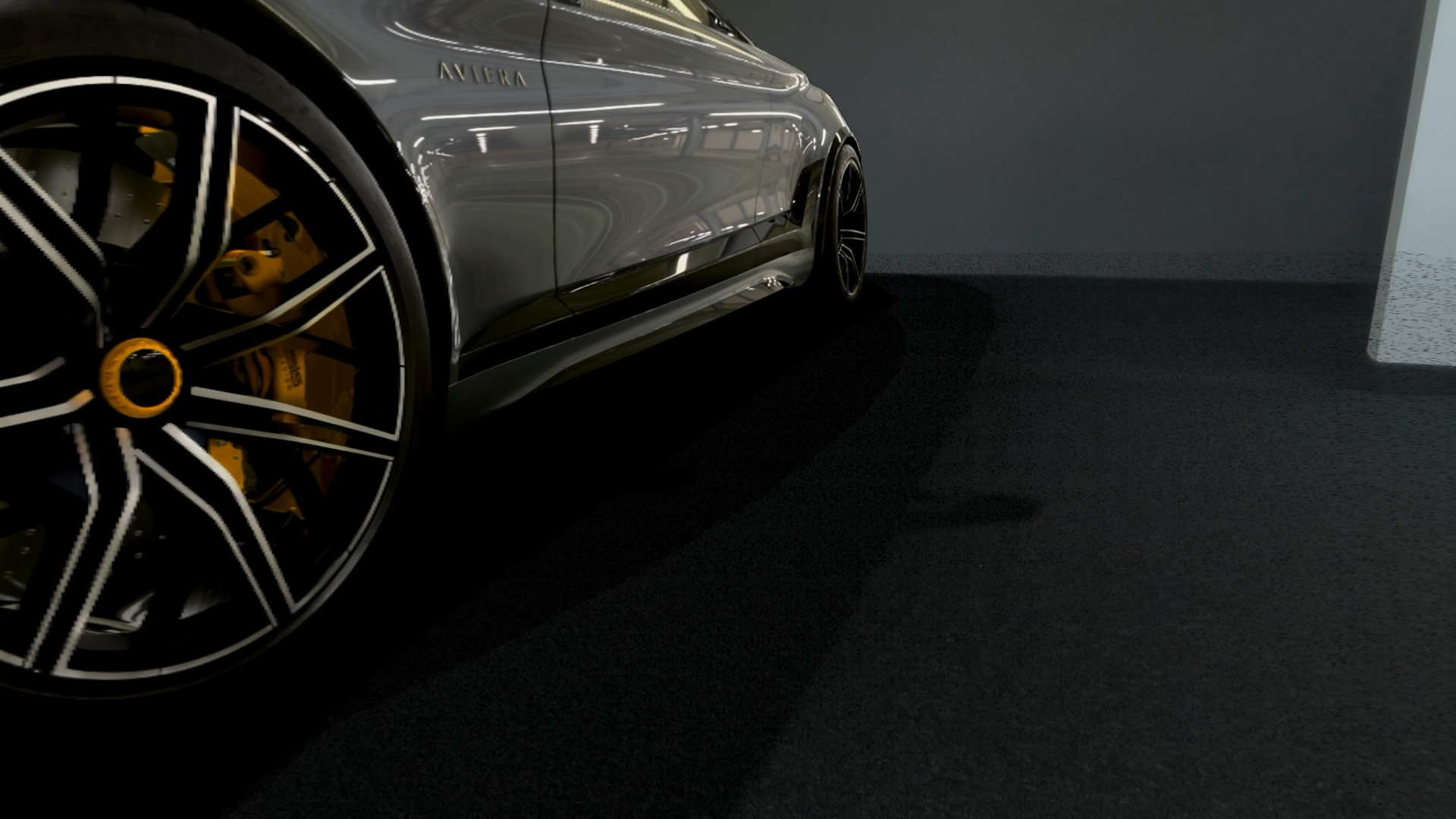
When using "Improved Color Depth" in Autodesk VRED, black dots can appear on surfaces in shadow or on surfaces that are supposed to be glass. You can see this in the screenshots below. The first is how the scene should look. The second is how the scene looks with the black dots, which you can really see in the background.
To fix this, you need to disable "Improved Color Depth" in Autodesk VRED.
-
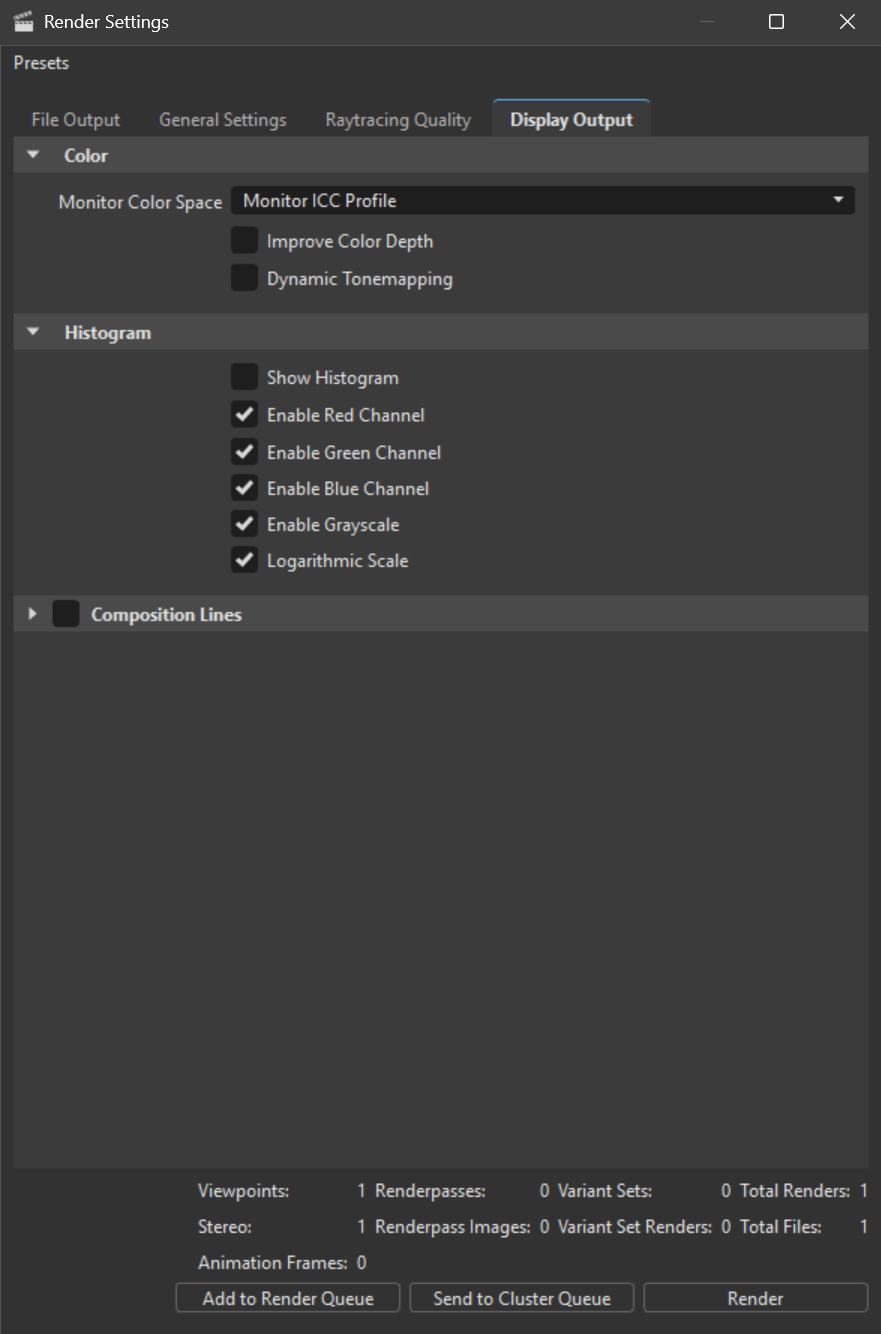
In Autodesk VRED go to Render Settings > Display Output > Color > Improve Color Depth.
-
Uncheck the box next to Improved Color Depth.