Enable and disable user’s credit limit in Hololight Hub

Objectives

  • Set and remove a user’s credit limit.

Prerequisites

  • You have a Hololight Hub account.

  • You have an account with an administrator or tenant manager access role.
Enable and disable user’s credit limit

  1. Select USERS > Manage users.

  2. Select the name of the user who you want to change.

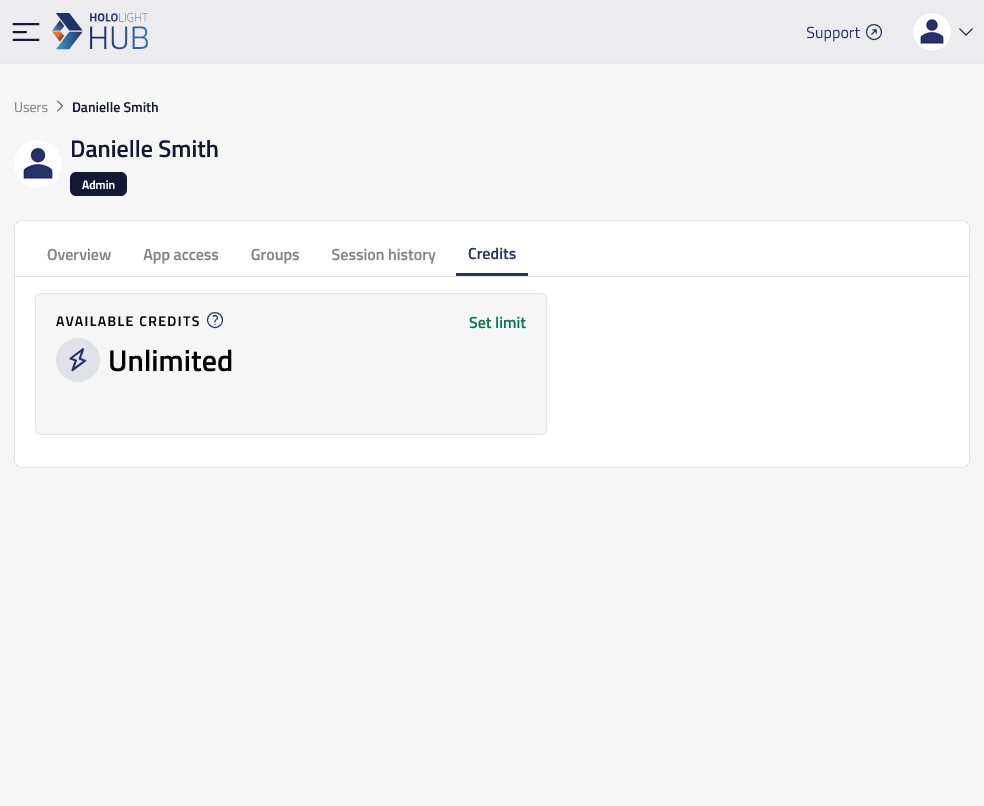
  3. Select Credits.

Here you can change whether the user has a credit limit or not.

hololight hub browser users details credits

Enable a credit limit

  1. On the credits screen, select Set limit. A window will appear.

  2. Select Enable.

Disable a credit limit

  1. On the credits screen, select Disable limit. A window will appear.

  2. Select Disable.