Add new tenant to Hololight Hub
Contents
Prerequisites
-
You have a Hololight Hub account.
-
You have an account with a tenant manager access role.
Add new tenant
-
Select TENANTS > Manage tenants.
-
Select Add new tenant.
-
Enter a Tenant name.
If you want you can select Specify owner to assign an owner to the tenant. This is optional. 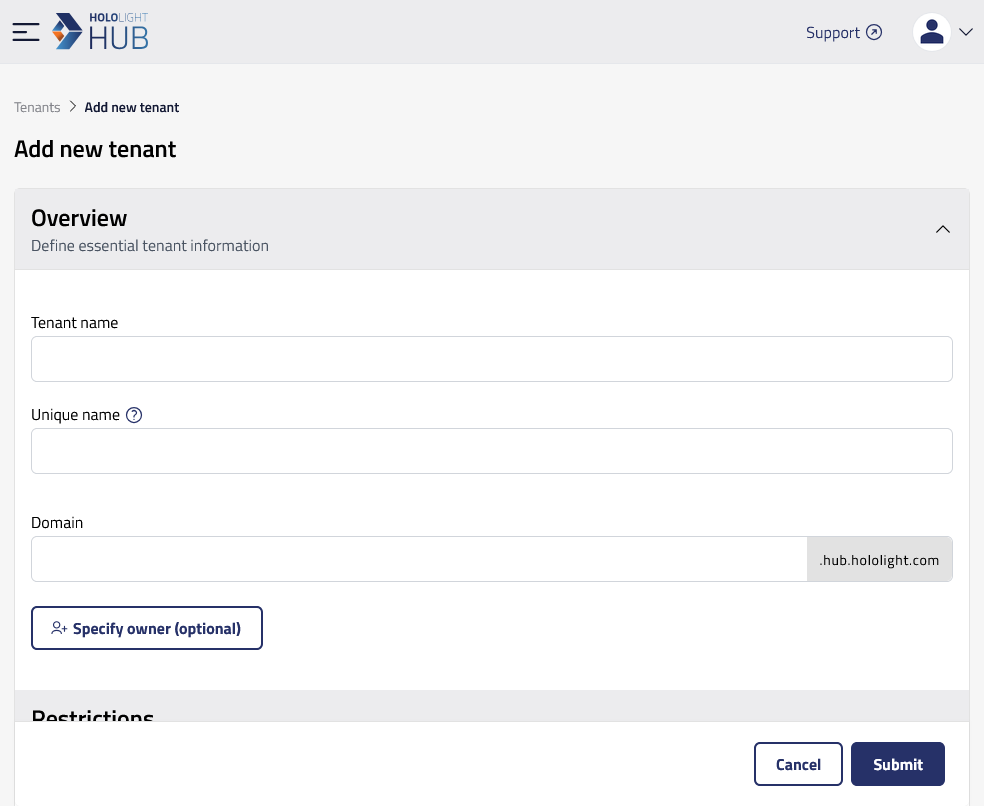
-
Set the restrictions like a User limit and Application limit.
-
Select Submit.
You will now see the new tenant on the "Manage tenants" screen.