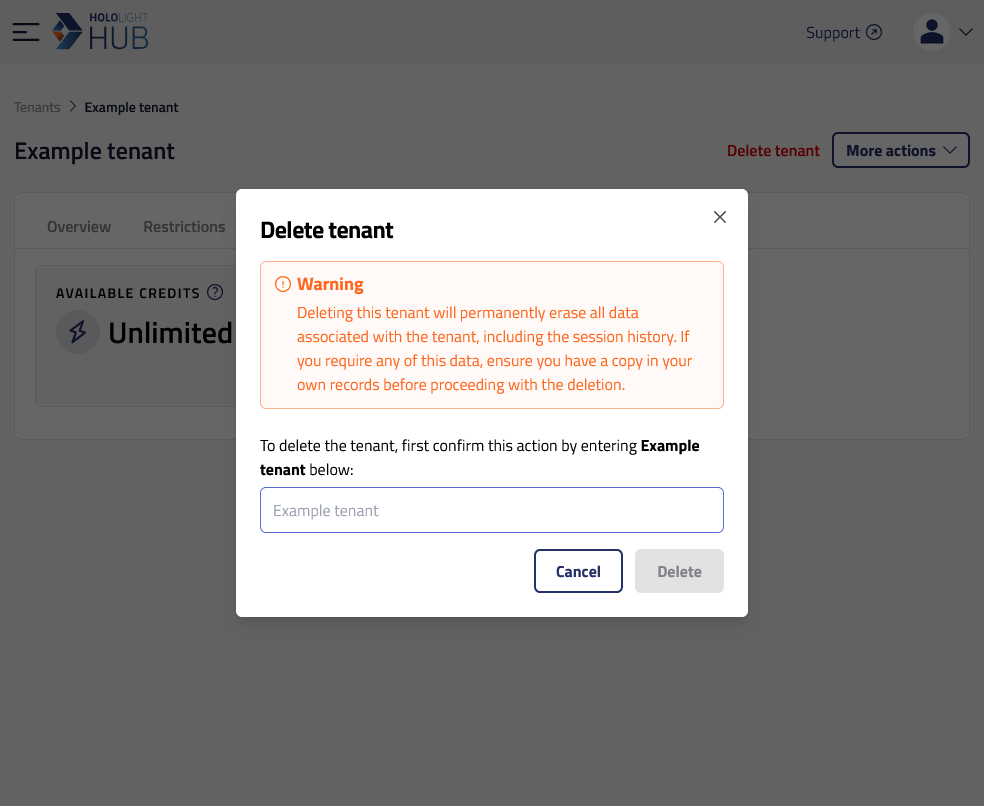
Delete tenant from Hololight Hub Contents Objectives Prerequisites Delete tenant Objectives Be able to delete a tenant. Prerequisites You have a Hololight Hub account. You have an account with a tenant manager access role. Delete tenant Select TENANTS > Manage tenants. Select the name of the tenant you want to delete. Select Delete tenant. Enter the name of the tenant into the field that appears. Select Delete. You will now no longer see the tenant on the "Manage tenants" screen. Add tenant Edit tenant name