First sign in as super user on Hololight Hub
First sign in as super user
-
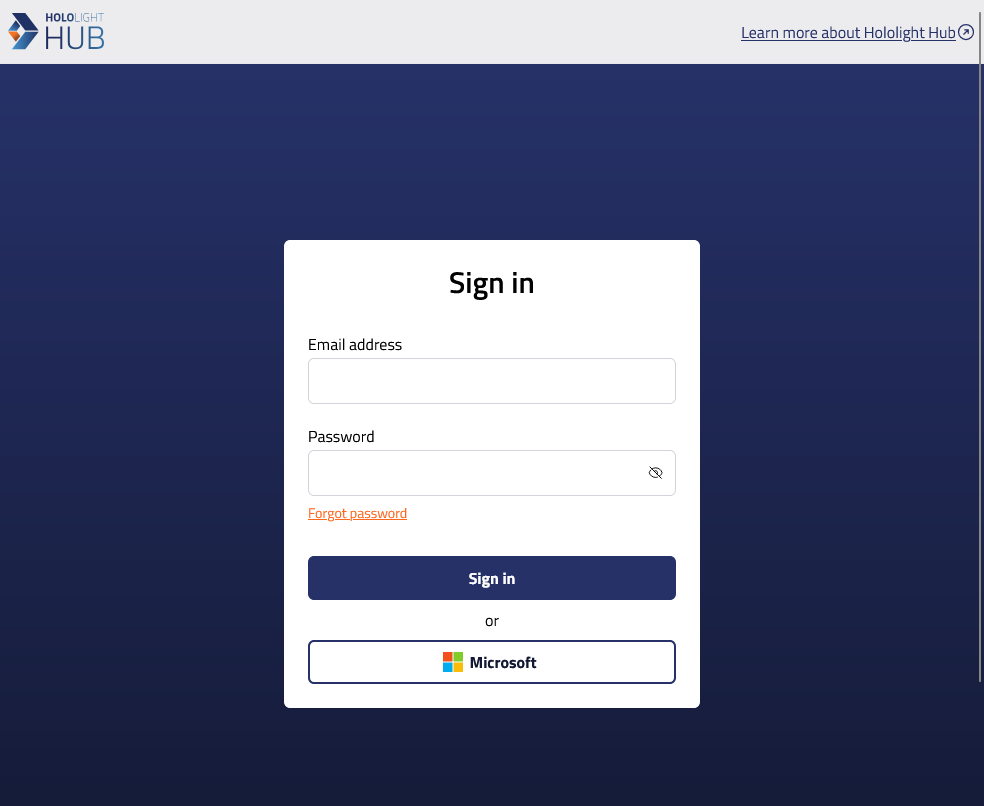
Open a web browser, and in the address bar enter your Hololight Hub web server’s fully qualified domain name.
-
Sign in with the super user credentials.
Super user credentials Username
Password
superuser
After signing in
You have successfully signed into Hololight Hub. At this point you should add your first tenant manager user.