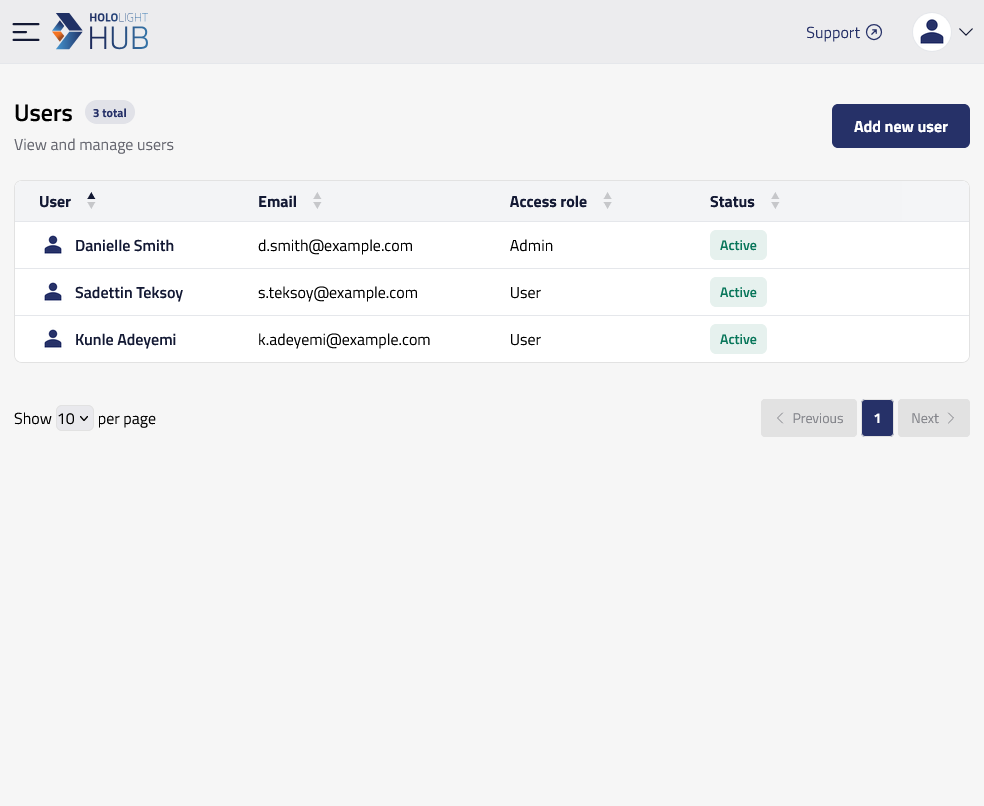
Add credit to a user’s account in Hololight Hub Contents Objectives Prerequisites Add credit to a user’s account Objectives Add credits for a user. Prerequisites You have a Hololight Hub account. You have an account with an administrator or tenant manager access role. Add credit to a user’s account Select USERS > Manage users. Select the name of the user who you want to give credits to. Select Credits > Add credits. A window will appear. Enter the amount of additional hours you want to add to the user’s account. Select Submit. View user credits Modify credit expiration data