Set up Hololight Hub prerequisites
Prerequisites
-
Computer, physical or virtualized, for hosting Hololight Hub.
-
Hololight Hub setup wizard.
-
Hololight Hub license file.
-
Your own fully-qualified domain name, along with a domain certificate and corresponding private key
Set up prerequisites
Hololight Hub requires some third-party software installed in order to work. The Hololight Hub setup wizard will ask you which of these pieces of software you don’t already have installed and then guide you through the process of installing what you still need.
When setting up these prerequisites, be aware there are some pieces of information from the PostgreSQL setup that you need to save for future use. This is information isn’t easy to retrieve late, so make sure to save it somewhere.
-
Database server superuser password
-
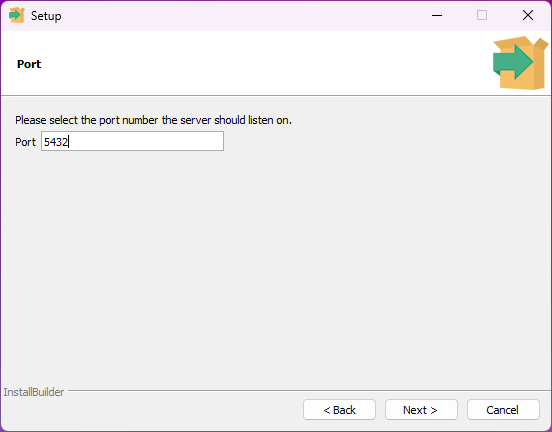
Database server port number
-
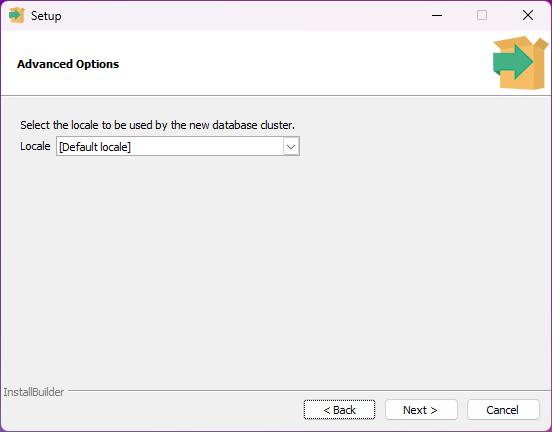
Database cluster locale
Selecting prerequisites
-
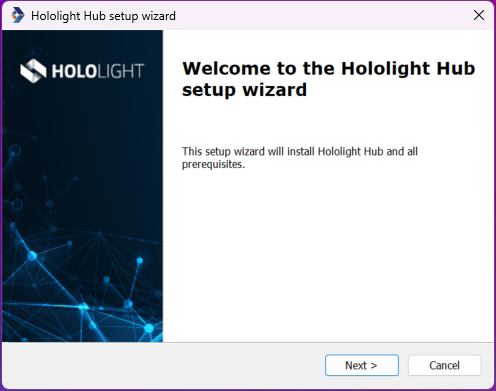
Select Next.
-
Select which prerequisites you want to install. All of them are necessary for Hololight Hub to work, but may already be installed on the computer. When you are satisfied with your selection, select Next.
If you installed any of these components previously, uncheck the checkbox next to those components you already successfully installed to prevent potential conflicts. 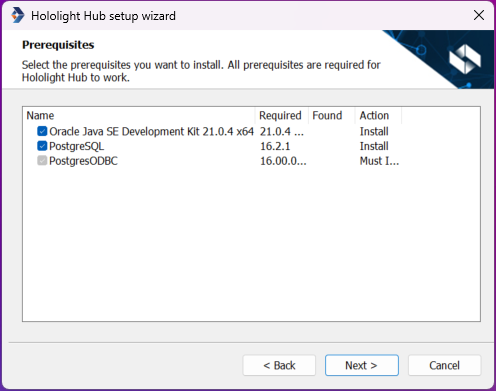
-
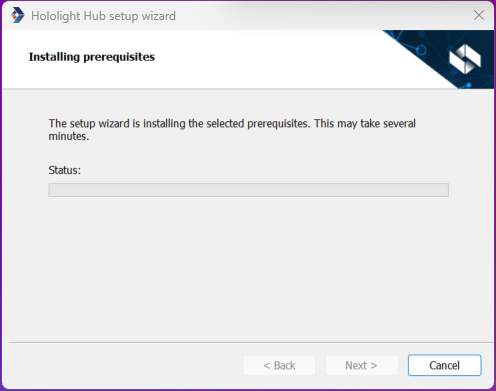
The installing prerequisites screen will appear. While this is visible, setup wizards for all the previously selected prerequisites will appear one at a time.
The windows for the third-party setup wizards may not appear where you can easily see them, so if you get stuck, try looking around your desktop for the next wizard.
Set up Java SE Development Kit
Hololight Hub uses Java in multiple instances, making it a necessary component for your deployment.
-
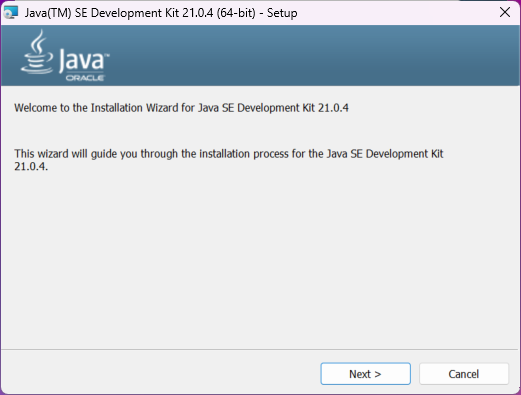
If previously marked, the Java SE Development Kit setup wizard will appear. In this new window select Next.
-
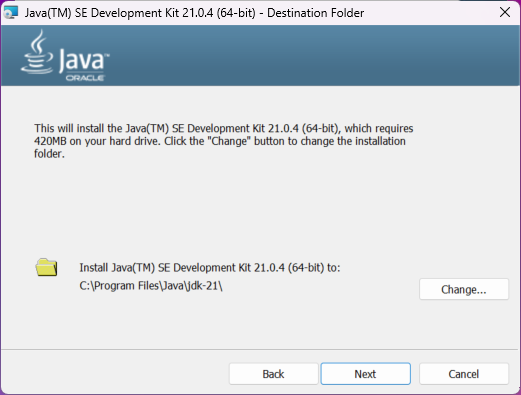
You have the opportunity to change the default destination folder for Java if needed. When you are satisfied with the target folder, select Next.
-
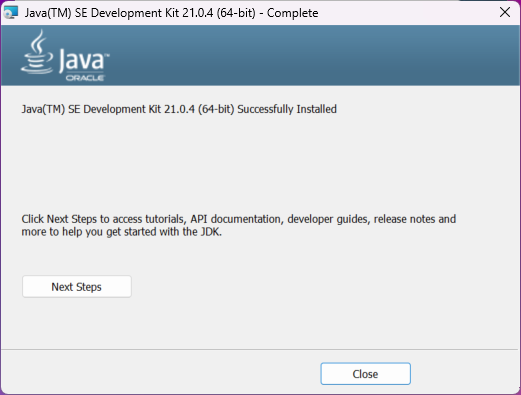
Select Close.
Set up PostgreSQL server
Hololight Hub uses an SQL database to keep track of necessary information relevant to its applications and users.
-
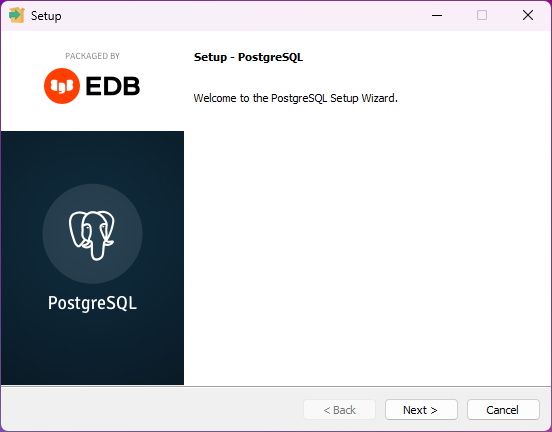
If previously marked, the PostgreSQL setup wizard will appear. This will set up a PostgreSQL server to host your Hololight Hub database. In this new window select Next.
-
You have the opportunity to change the destination folder if needed. When you are satisfied with the target folder, select Next.
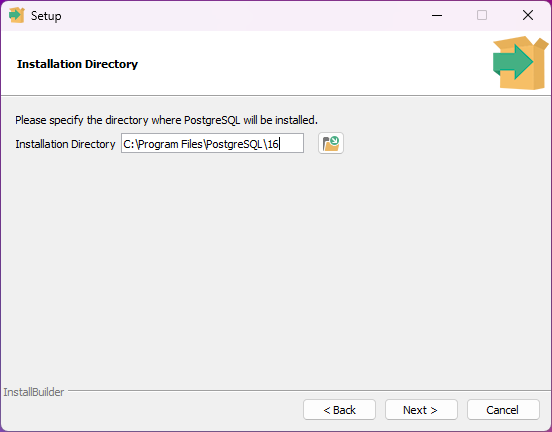
-
Check the check boxes next to the components you want to install. PostgreSQL Server, pgAdmin 4, and Command Line Tools are all required. Stack Builder is not. When you are satisfied with your choices, select Next.
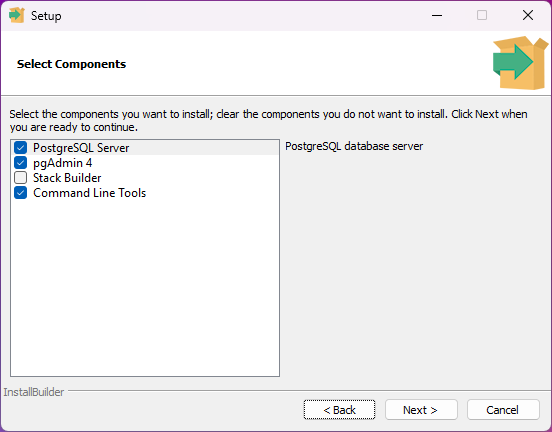
-
You have the opportunity to change the directory if needed. When you are satisfied with the target folder, select Next.
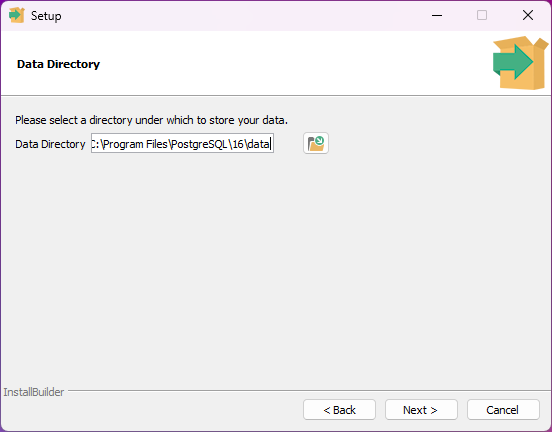
-
Enter a password for your database superuser, which by default is "postgres". You need to save this username and password pair to use later. When you are ready, select Next.
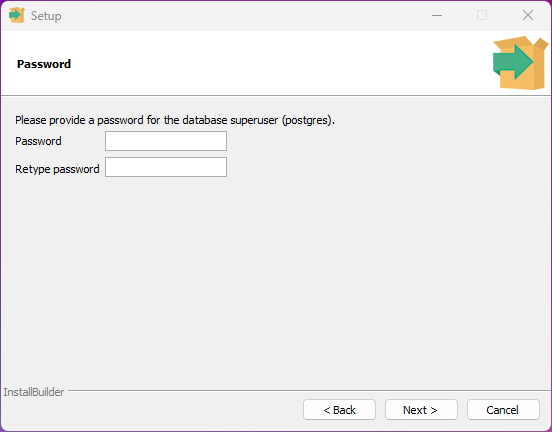
-
You have the opportunity to select a port other than the default if needed. Make sure to remember this port for a future step. When you are satisfied with the port, select Next.
-
You have the opportunity to select a specific locale if needed. When you are satisfied with the locale, select Next.
-
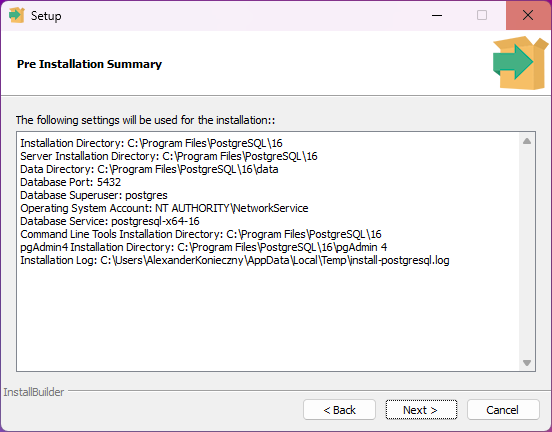
Select Next.
-
Select Next.
-
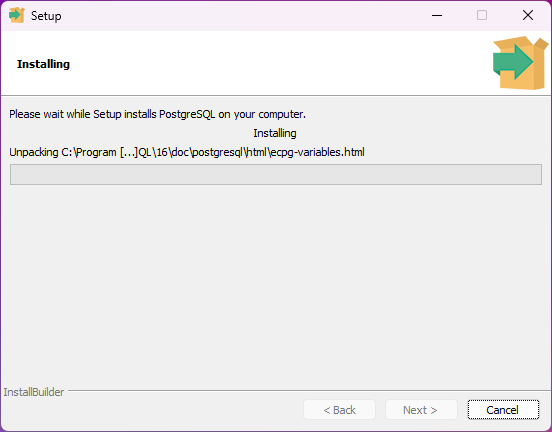
When the installation is complete, select Next.
-
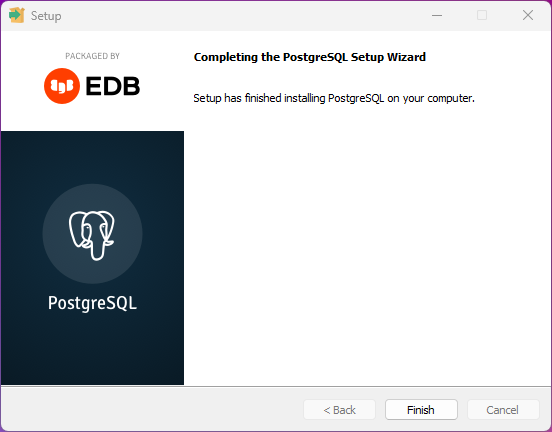
Select Finish.
Set up psqlodbc
Hololight Hub uses psqlodbc to allow components that require it, access to the database.
-
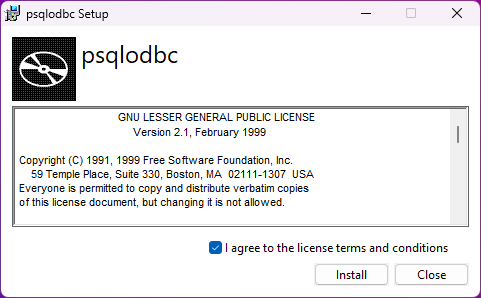
If previously marked, the psqlodbc setup wizard will appear. For more information on psqlodbc, check out psqlODBC - PostgreSQL ODBC driver.
In this new window check the checkbox next to I agree to the license terms and conditions and then select Next.
-
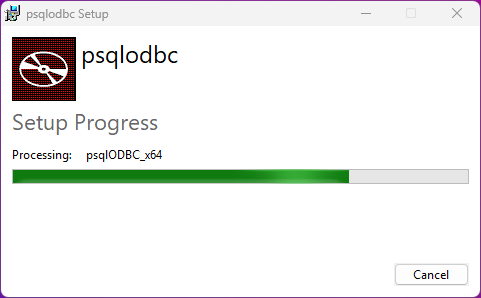
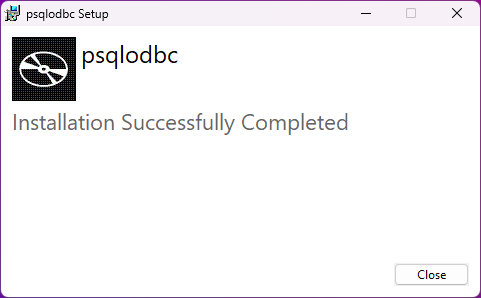
Select Close.
After prerequisite setup
After installing the prerequisites you will return to the Hololight Hub setup wizard. The prerequisite installer will show that it’s complete. Select Next.
Now that your prerequisites are set up, you can continue to setting up the Hololight Hub web server. Remember that you will need the database superuser password, database server port number, and database cluster locale later.