Edit branding in Hololight Hub
Prerequisites
-
You have a Hololight Hub account.
-
You have an account with a tenant manager access role.
Edit branding
You can change the appearance and branding of your Hololight Hub deployment.
-
Select SETTINGS > General settings > Branding.
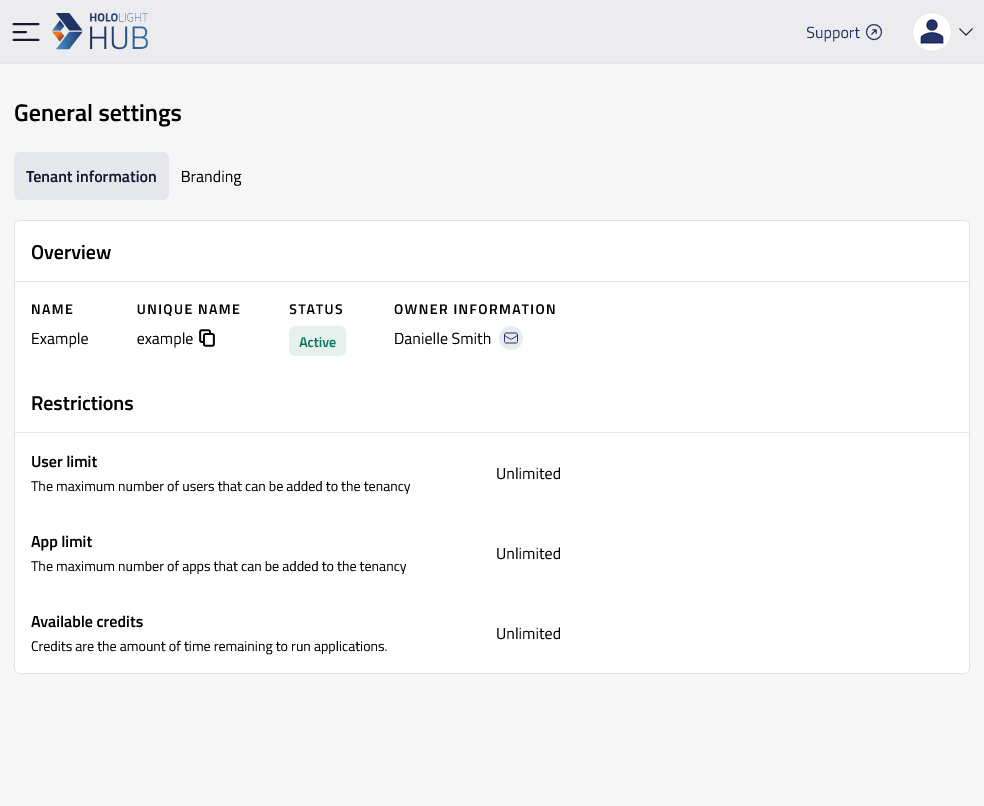
-
Make the changes you want to each of the properties available on the page.
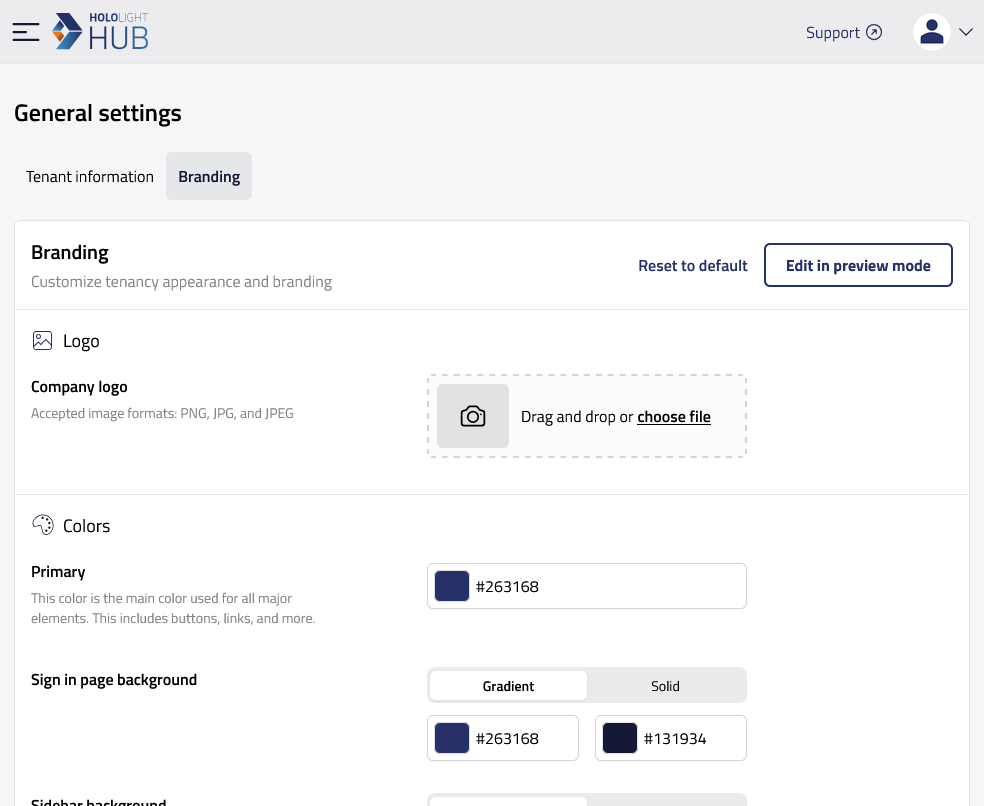
-
Select Save changes when you are finished. Select Cancel to discard your changes.
Edit branding in preview mode
You can see what changes to branding will look like while you change each property but before saving.
-
Select SETTINGS > General settings > Branding > Edit in preview mode.
-
Just like when using the standard editor, make the changes you want to each of the properties. While you do this, the live preview will update with each change you make.
-
Select Save changes when you are finished.