View user groups in Hololight Hub
Contents
Prerequisites
-
You have a Hololight Hub account.
-
You have an account with an administrator or tenant manager access role.
View user groups
Select USERS > User groups.
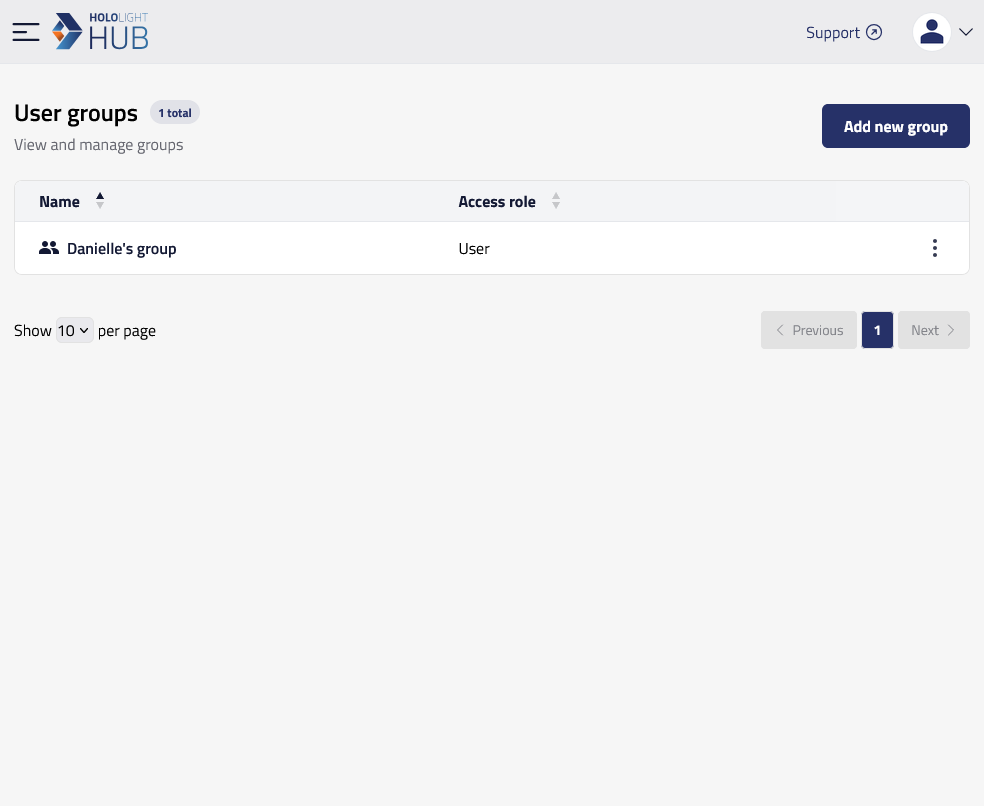
You can now see a table with all the groups in the tenant.
To see more detailed information about a single group, select a group’s name. For more information on group details, check out View a single user group’s details in Hololight Hub.