View and manage account settings in Hololight Hub

Objectives

  • View your account settings.

  • Update profile information tied to your account.

  • Upload an image to update your account’s profile picture.

Prerequisites

  • You have a Hololight Hub account.

View and manage account settings

Select Account widget > Account settings to see your user account settings.
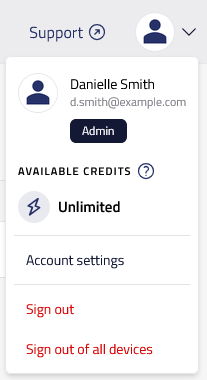
hololight hub browser account widget

Manage profile

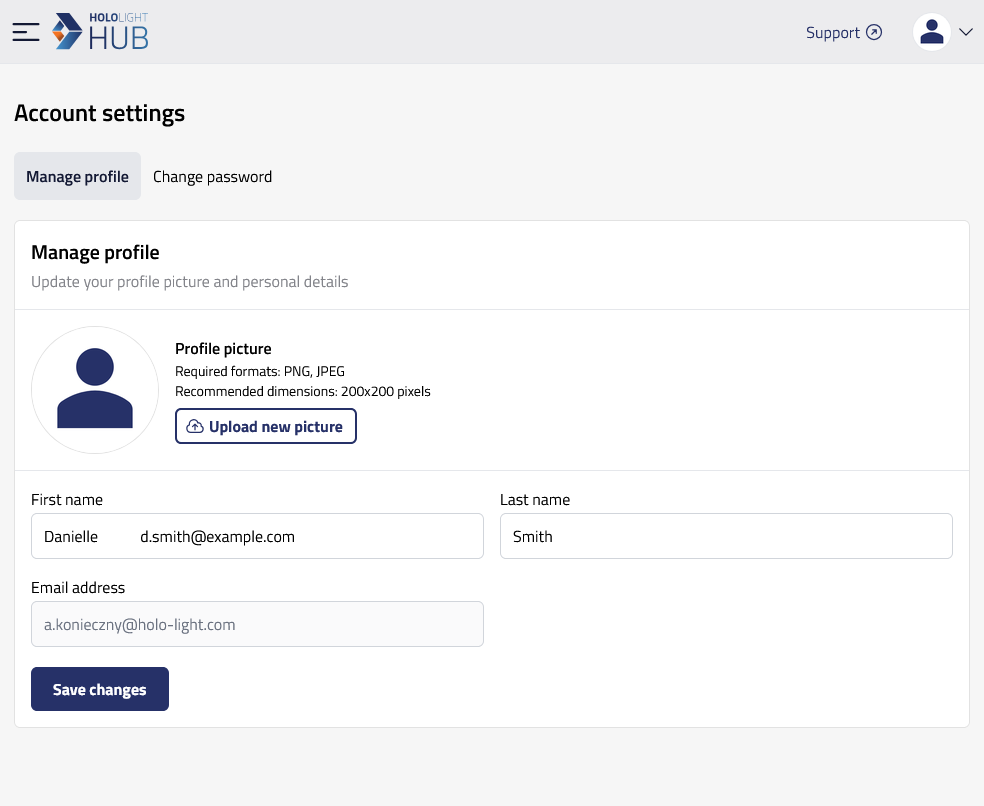
On this screen there are settings to let you customize your profile.

hololight hub browser account settings manage

Upload a new profile picture

Select Upload new picture to upload a profile picture for your user. The image’s file type must be either PNG or JPEG. The image’s dimensions need to be 200x200 pixels.

Change profile details

You can update your First name and Last name by changing the fields and then selecting Save changes.

Users can’t change the email address associated with their account.