Change your password in Hololight Hub
Contents
Change your password
-
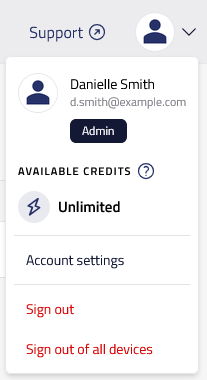
Select the Account menu in the upper-right corner and then Account settings to see your user account settings.
-
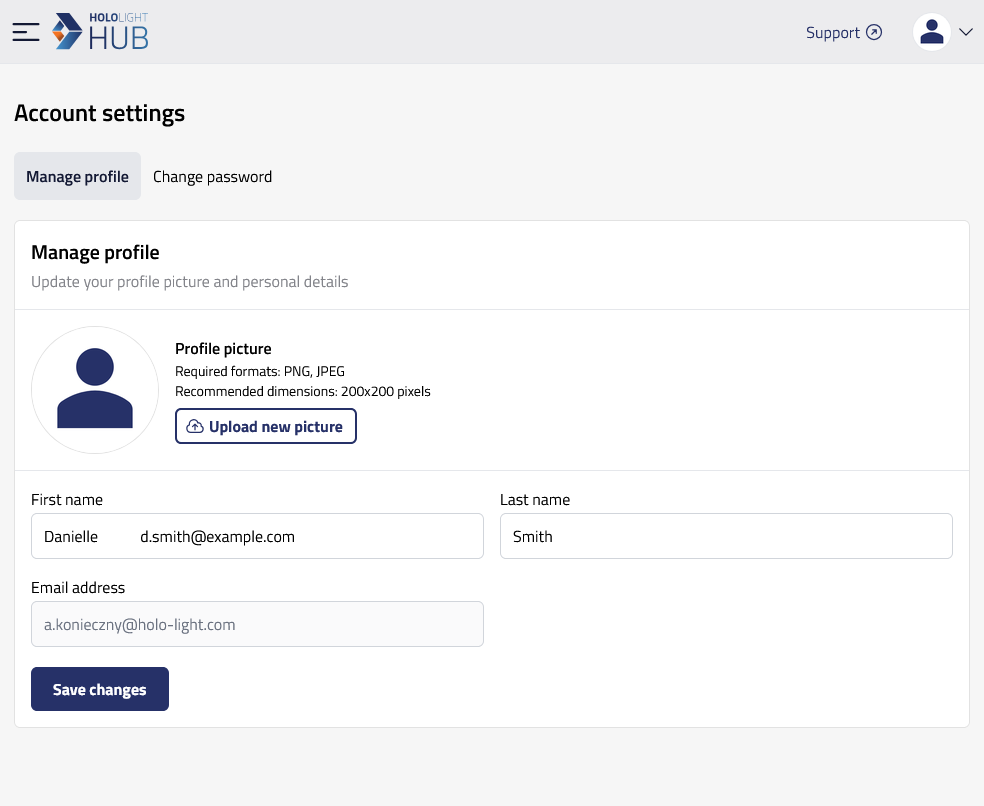
Select Change password.
-
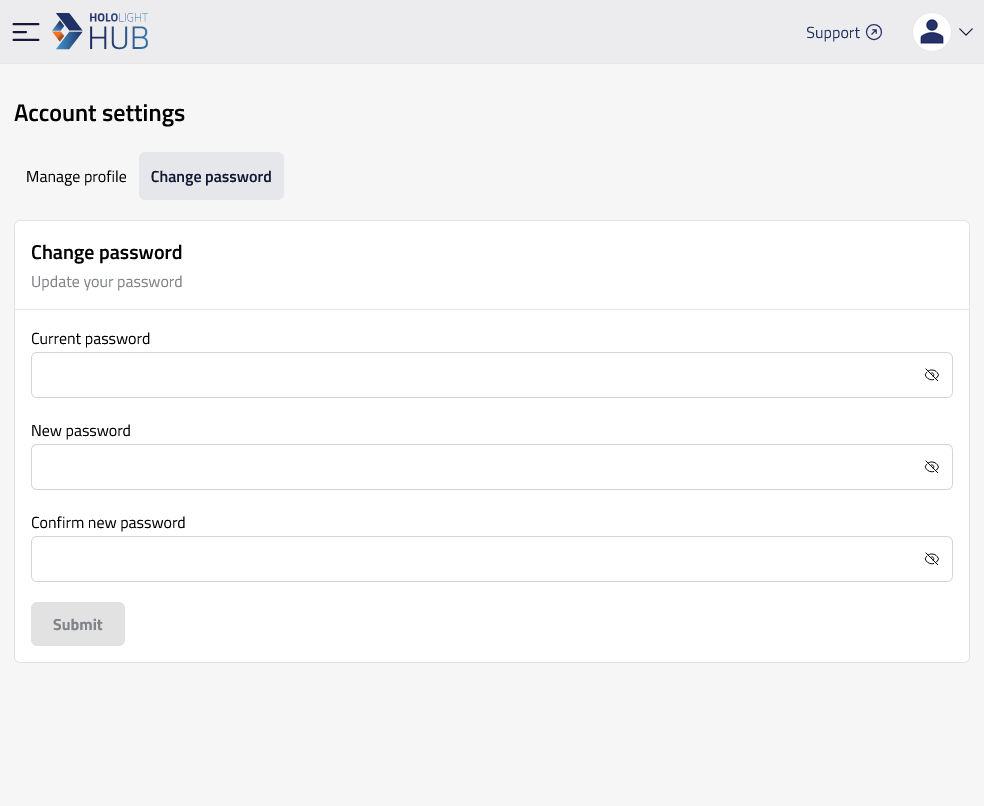
Enter your current password, your new password, and confirm your new password by entering it again.
-
Select Submit.
If you did everything correctly, you will receive a message saying that your password is updated.
| Passwords must contain at least one uppercase letter, one lowercase letter, one number, and one special character. |