Set up Hololight Hub hypervisor and user directory
Prerequisites
-
Computer, physical or virtualized, for hosting Hololight Hub.
-
Hololight Hub setup wizard.
-
Hololight Hub license file.
-
Your own fully-qualified domain name, along with a domain certificate and corresponding private key
Set up hypervisor and user directory
Choose the hypervisor you set up previously to work with Hololight Hub, then select Next.
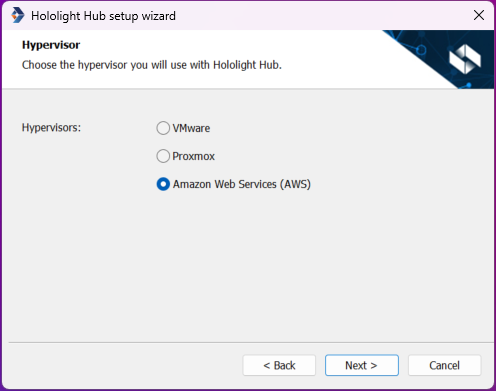
Depending on your selection, you will have a slightly different setup process
Option A. Set up with Amazon Web Services as the hypervisor
-
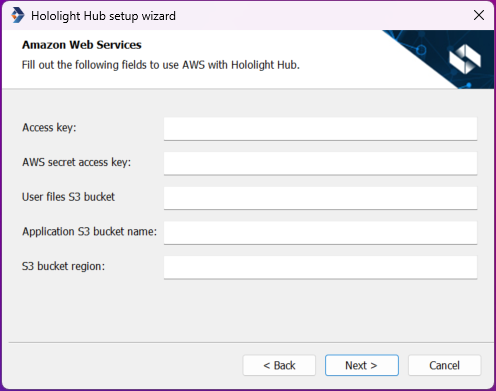
If you chose Amazon Web Services, you will need to enter information relevant to your AWS setup. When you are finished then select Next.
Field Description Access key
Every AWS IAM user has an access key that is shown on creation. You need to enter the access key for a user with proper AWS permissions.
Secret access key
Every AWS IAM user has a secret access key that is shown on creation. You need to enter the secret access key for a user with proper AWS permissions.
User files S3 bucket name
Enter the name of the S3 bucket that will store files for the individual users on your Hololight Hub deployment.
Application S3 bucket name
Enter the name of the S3 bucket that will store the applications uploaded to your Hololight Hub deployment.
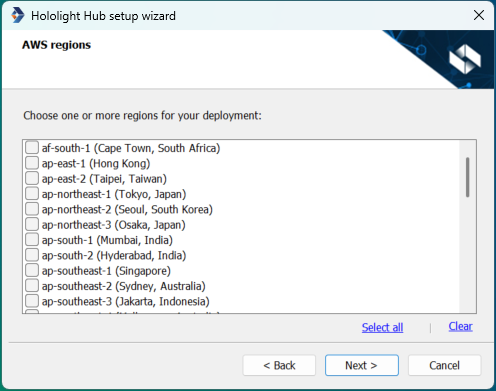
-
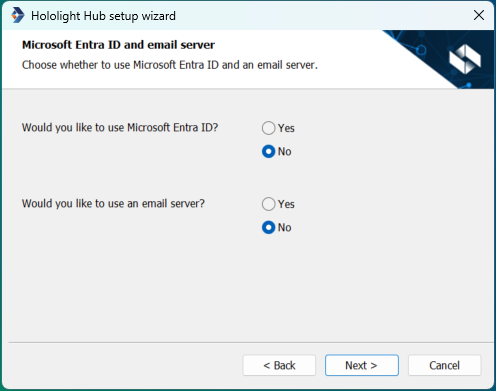
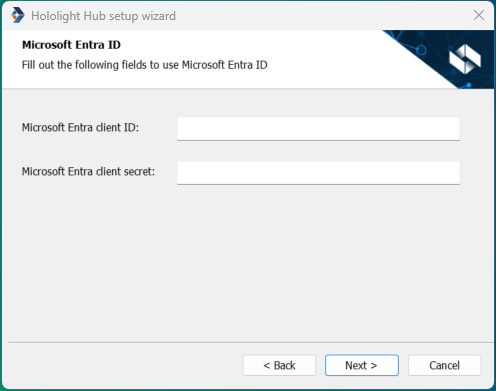
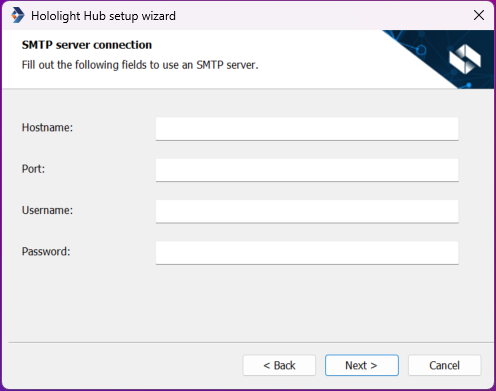
When using Amazon Web Services you will be given the option of whether you want to use Microsoft Entra ID and an email server.
Option B. Set up with Proxmox as the hypervisor
-
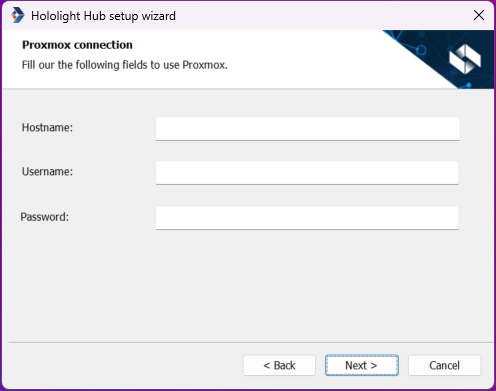
If you chose Proxmox as your hypervisor, you will need to enter information relevant to your Proxmox setup, then select Next.
-
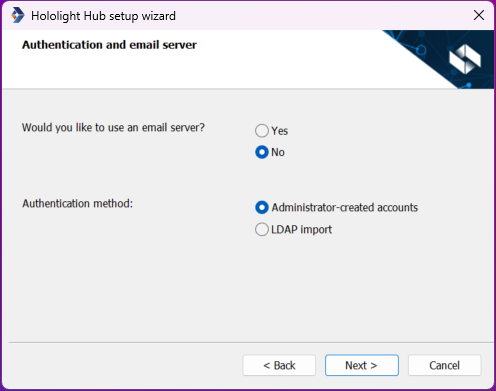
Choose whether or not you want to use a previously set up email server, and what type of authentication method you want users to use when signing in.
Selection Description Administrator-created accounts
All accounts will be created by an administrator using Hololight Hub.
LDAP import
Allows you to connect to a directory service with LDAP to import user accounts.
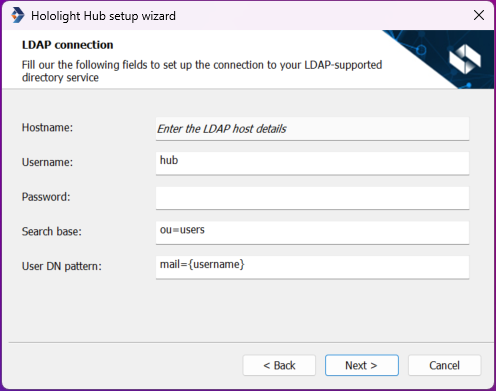
Import directory data with LDAP
If you choose to import users from a user directory using LDAP, you will need to enter the following:
| Field | Description |
|---|---|
Search base |
Sets where the LDAP import will search for users. |
User DN pattern |
Pattern used for the distinguished name (DN) for all the users in the directory[1] |
Option C. Set up with VMware as the hypervisor
-
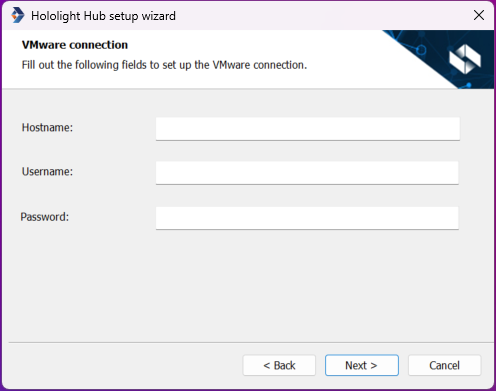
If you chose VMware as your hypervisor, you will need to enter information relevant to your VMware setup, then select Next.
-
Choose whether or not you want to use a previously set up email server, and what type of authentication method you want users to use when signing in.
Selection Description Administrator-created accounts
All accounts will be created by an administrator using Hololight Hub.
LDAP import
Allows you to connect to a directory service with LDAP to import user accounts.
Import directory data with LDAP
If you choose to import users from a user directory using LDAP, you will need to enter the following:
| Field | Description |
|---|---|
Search base |
Sets where the LDAP import will search for users. |
User DN pattern |
Pattern used for the distinguished name (DN) for all the users in the directory[1] |
After hypervisor and user directory setup
After setting up the hypervisor and user directory it is time to continue to setting up the last components of Hololight Hub.