Edit which users are in a user group in Hololight Hub
Prerequisites
-
You have a Hololight Hub account.
-
You have an account with an administrator or tenant manager access role.
Edit which users are in a user group
-
Select USERS > User groups.
-
Select the name of the group you want to edit.
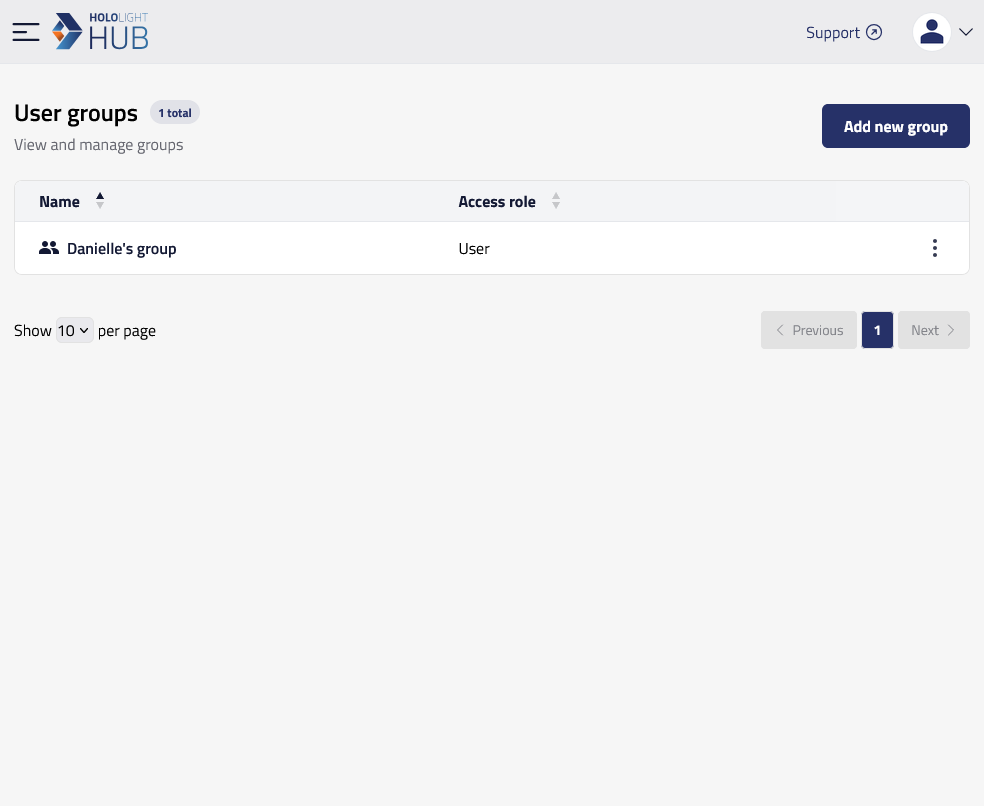
-
Select Users > Edit.
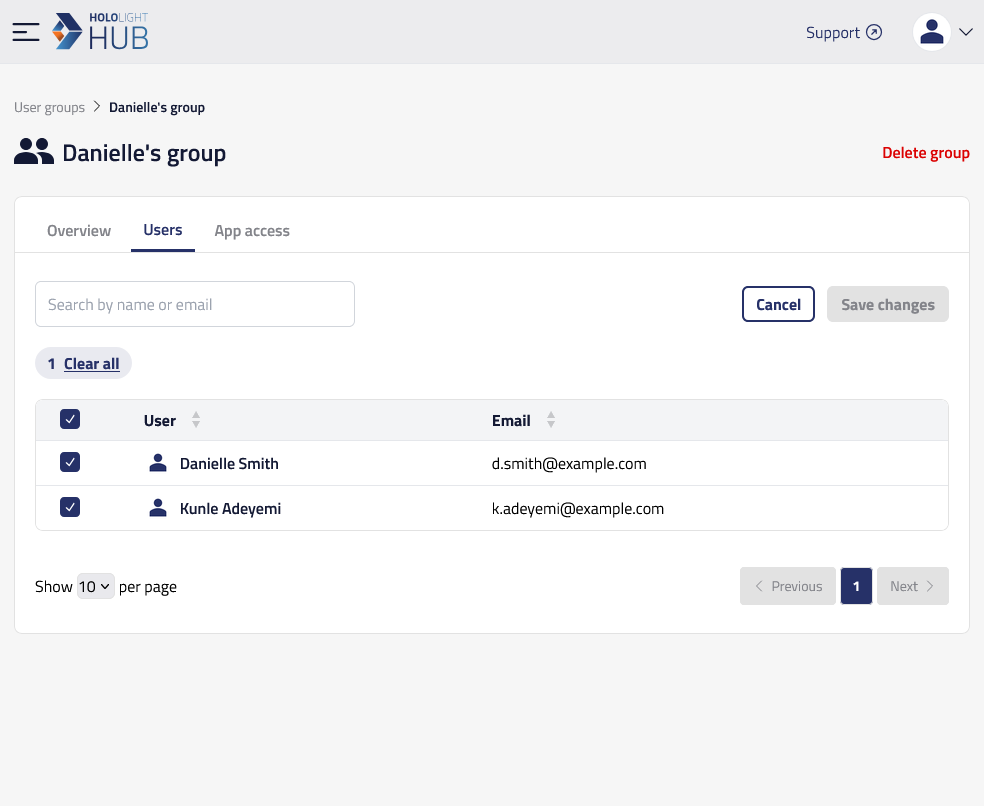
-
Add a checkmark to the user you want in the group.
-
When you are finished, select Save changes.
Property |
Description |
Name |
Name of the group. |
Description |
Description of the group. |
Access role |
Access role assigned to all members of the group. |
Status |
Activation status of all members of the group. |
Created on |
The date and time the group was created. |
Created by |
The user who created the group. |
Access role |
Description |
Tenant manager |
Access role that allows user, application, and tenant management. |
Admin |
Access role that allows user and application management. |
Access role |
Role indicating the level of access a user has. |