Test connecting to an application session with a supported device in Hololight Hub
Contents
Test starting an application session
If you’ve been following the instructions so far, you should have an application session running and available to connect to.
Connect to an application session with a supported device
| To connect to an application session you need to first start a session and wait until it is available. You can start an application session either by using Hololight Hub on a web browser or using Hololight Hub on a supported device. |
-
Open Hololight Hub on your device.
-
Sign in with your email address and password.
-
Select My apps, if it isn’t already selected.
-
Select the application you want to use.
-
If the application isn’t already available, select Start and wait for the application to become available.
If you are able to select a region, you can select one before you select Start. 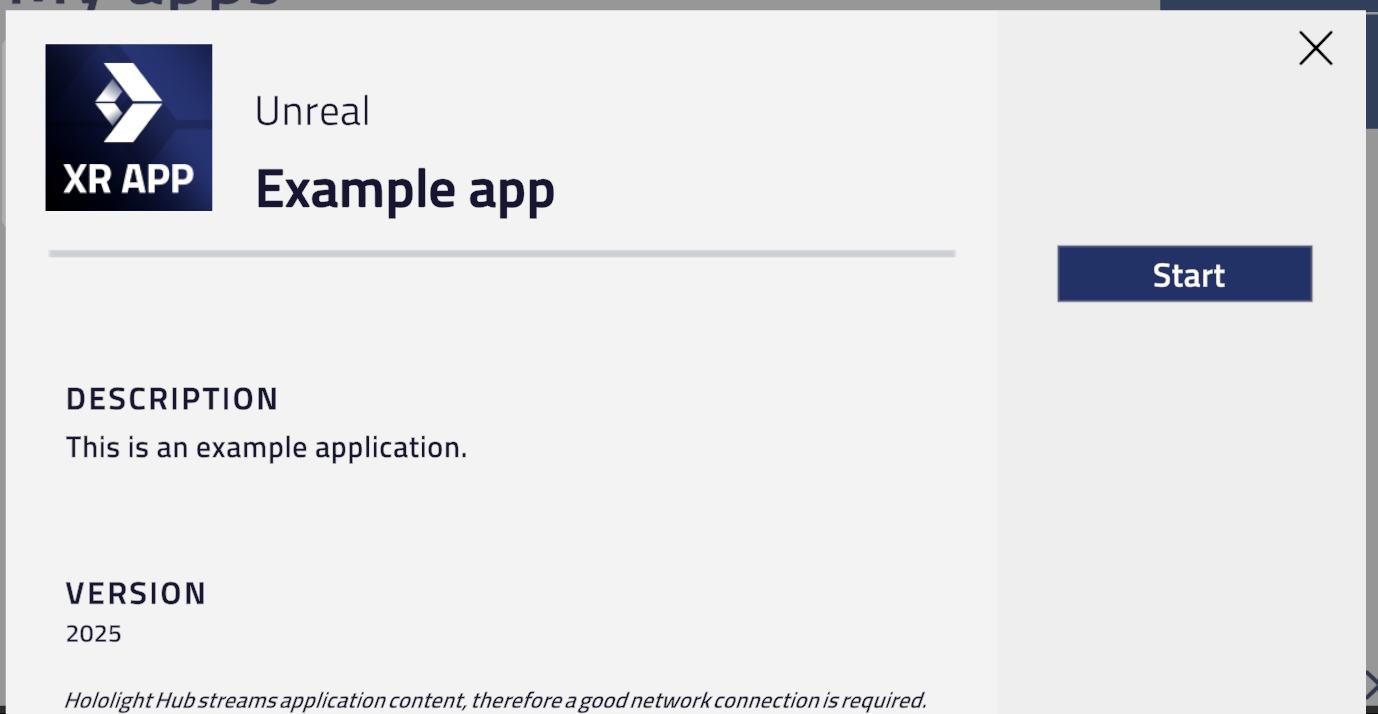
-
Select Connect.
You will now be using the application through your device.
After successfully connecting to an application session
Congratulations, you were able to use an application with your Hololight Hub deployment. Now it’s time to start exploring even more features in Hololight Hub.
Don’t forget to stop your application session when you are finished using it.