Connect to an application session with a Hololight Hub-supported device
Prerequisites
-
You have a Hololight Hub account.
-
You have a Hololight Hub-supported device.
-
Your Hololight Hub-supported device has the Hololight Hub application installed.
Connect to an application session with a supported device
| To connect to an application session you need to first start a session and wait until it is available. You can start an application session either by using Hololight Hub on a web browser or using Hololight Hub on a supported device. |
-
Open Hololight Hub on your device.
-
Sign in with your email address and password.
-
Select My apps, if it isn’t already selected.
-
Select the application you want to use.
-
If the application isn’t already available, select Start and wait for the application to become available.
If you are able to select a region, you can select one before you select Start. 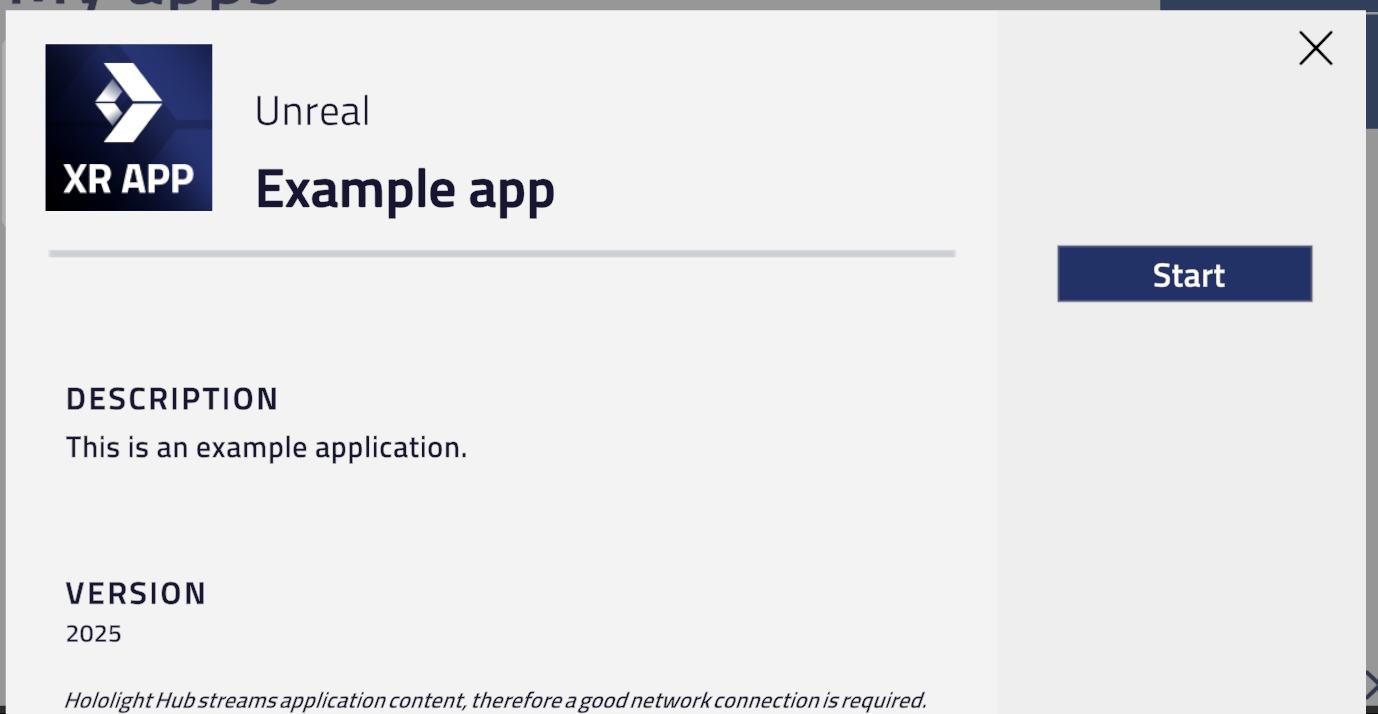
-
Select Connect.
You will now be using the application through your device.