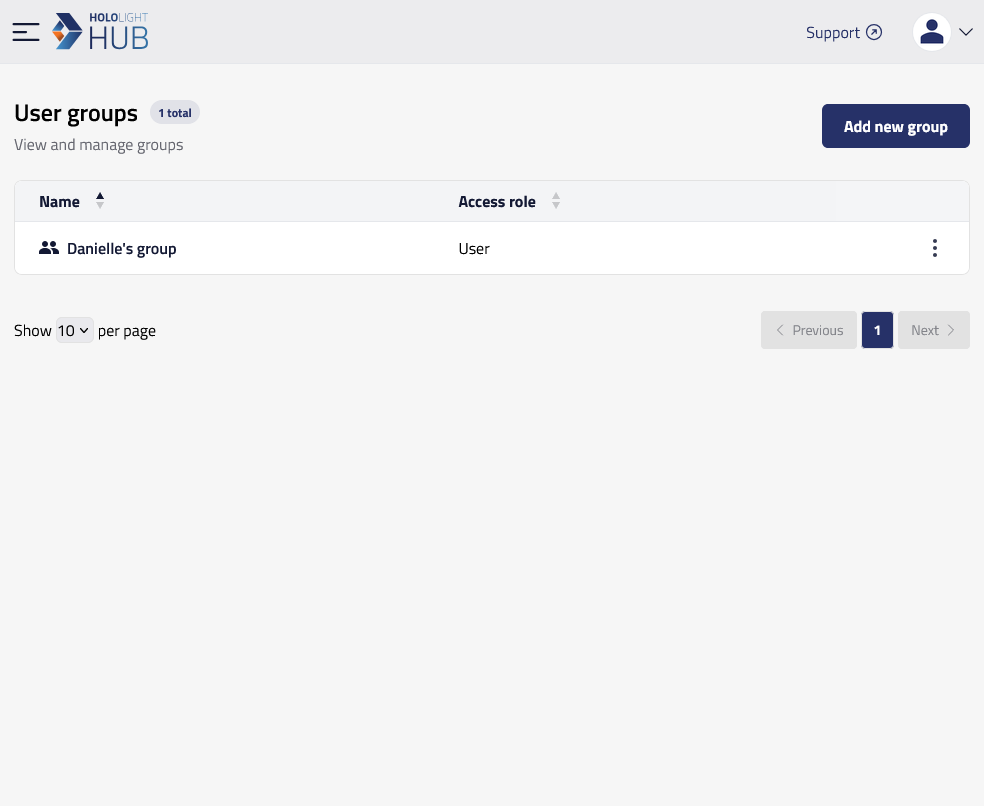
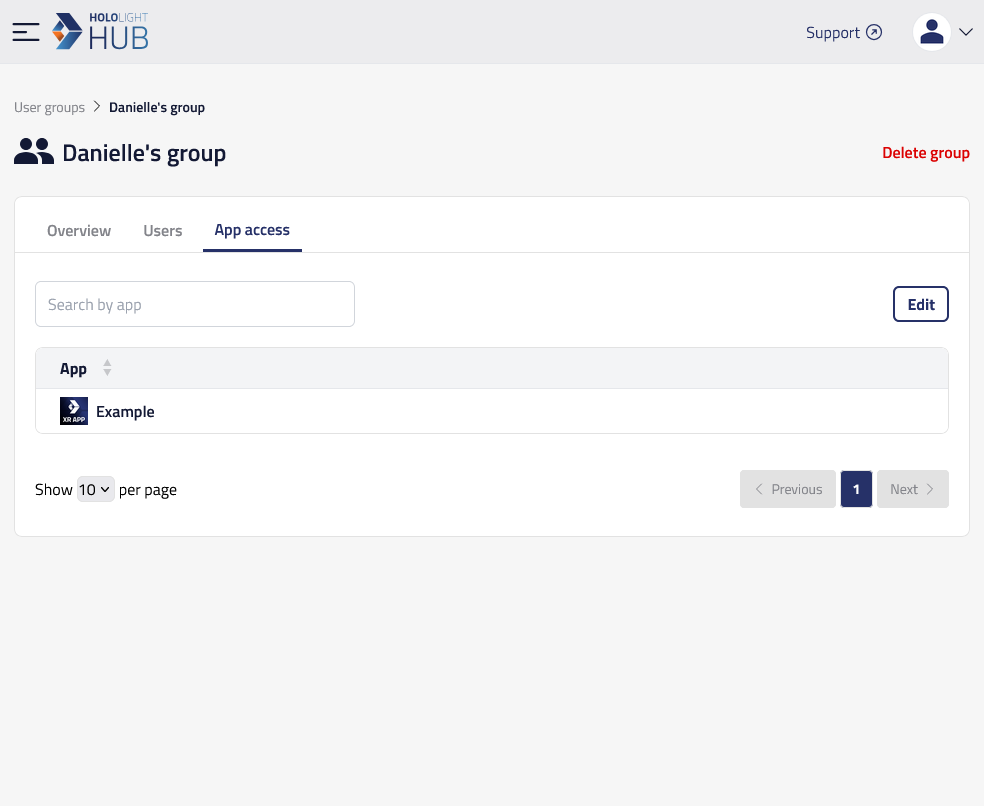
Edit user group application access in Hololight Hub Contents Objectives Prerequisites Edit user group application access Objectives Be able to edit user group application access Prerequisites You have a Hololight Hub account. You have an account with an administrator or tenant manager access role. Edit user group application access Select USERS > User groups. Select the name of the group you want to edit. Select App access > Edit. Add a checkmark to the applications you want users in the group to have access to. When you are finished, select Save changes. Edit group user members Add group