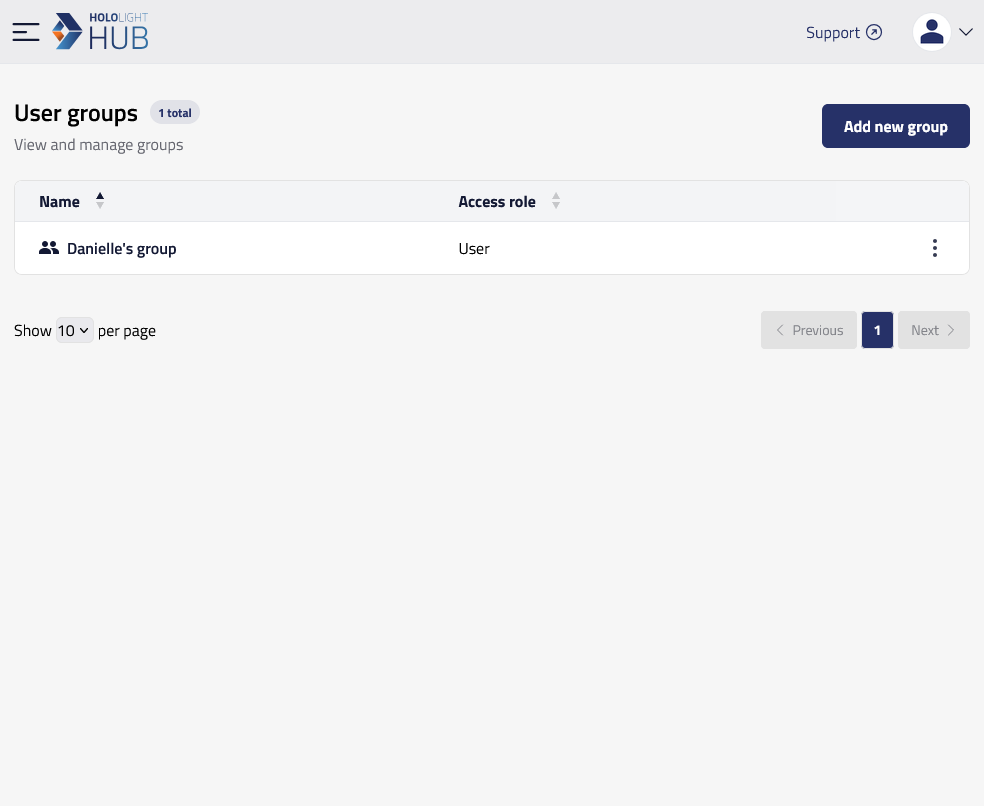
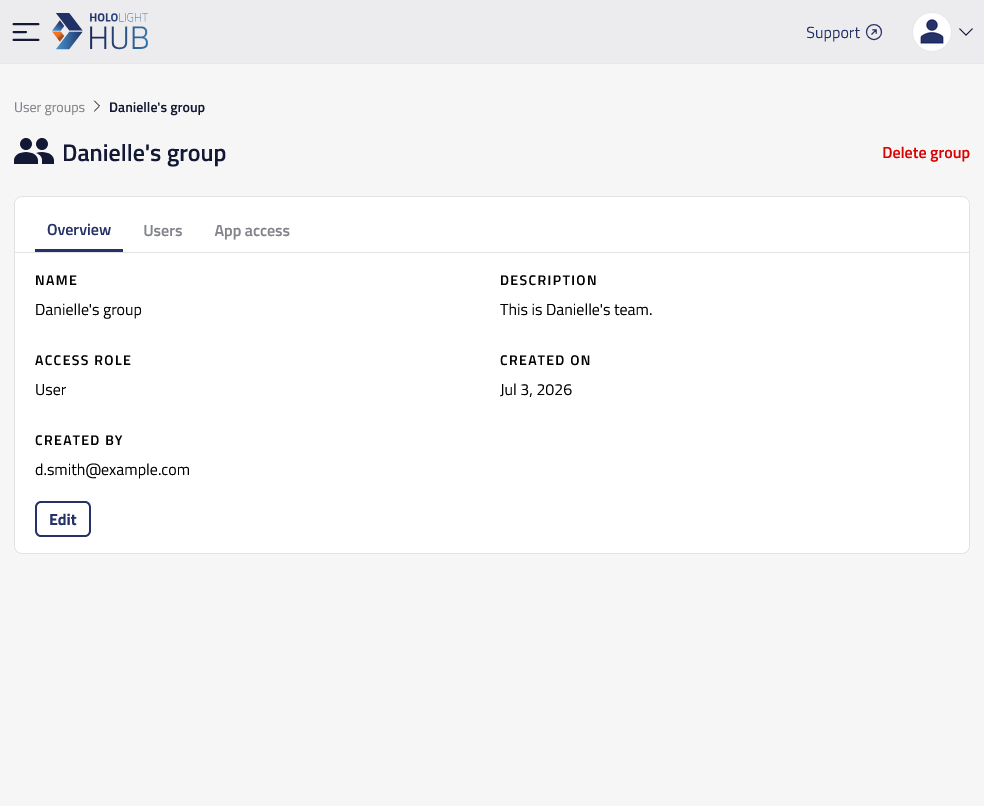
Edit user group in Hololight Hub Contents Objectives Prerequisites Edit user group Objectives Be able to edit details of a user group Prerequisites You have a Hololight Hub account. You have an account with an administrator or tenant manager access role. Edit user group Select USERS > User groups. Select the name of the group you want to edit. Select Edit. You are now able to change the group’s name, description, and access role. When you are finished, select Save changes. View group details Edit group user members