Delete a User group in Hololight Hub
Contents
Prerequisites
-
You have a Hololight Hub account.
-
You have an account with an administrator or tenant manager access role.
Delete a user group
-
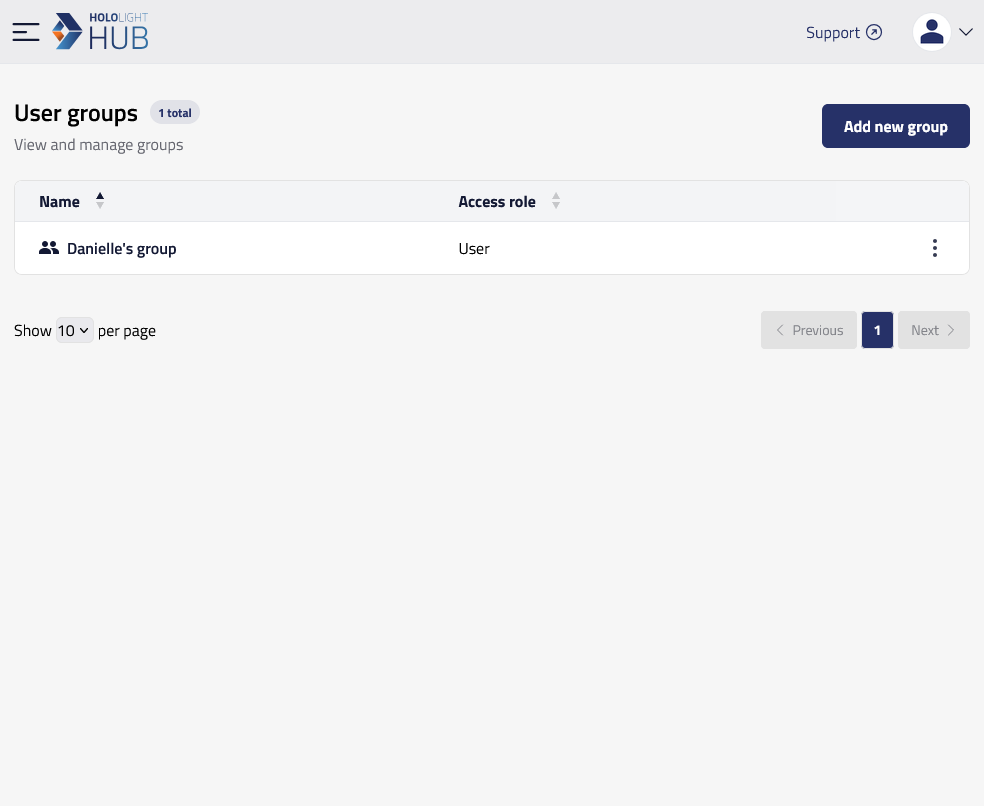
Select USERS > User groups.
-
Select the name of the group you want to delete.
-
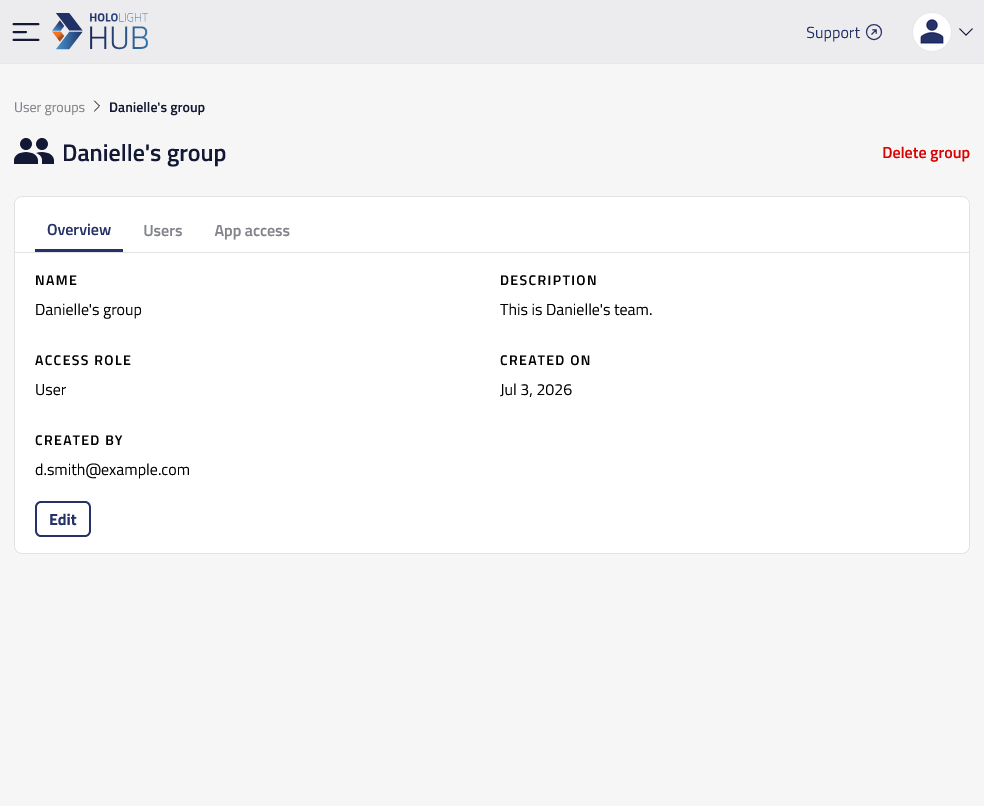
Select Delete group.
-
Select Delete.
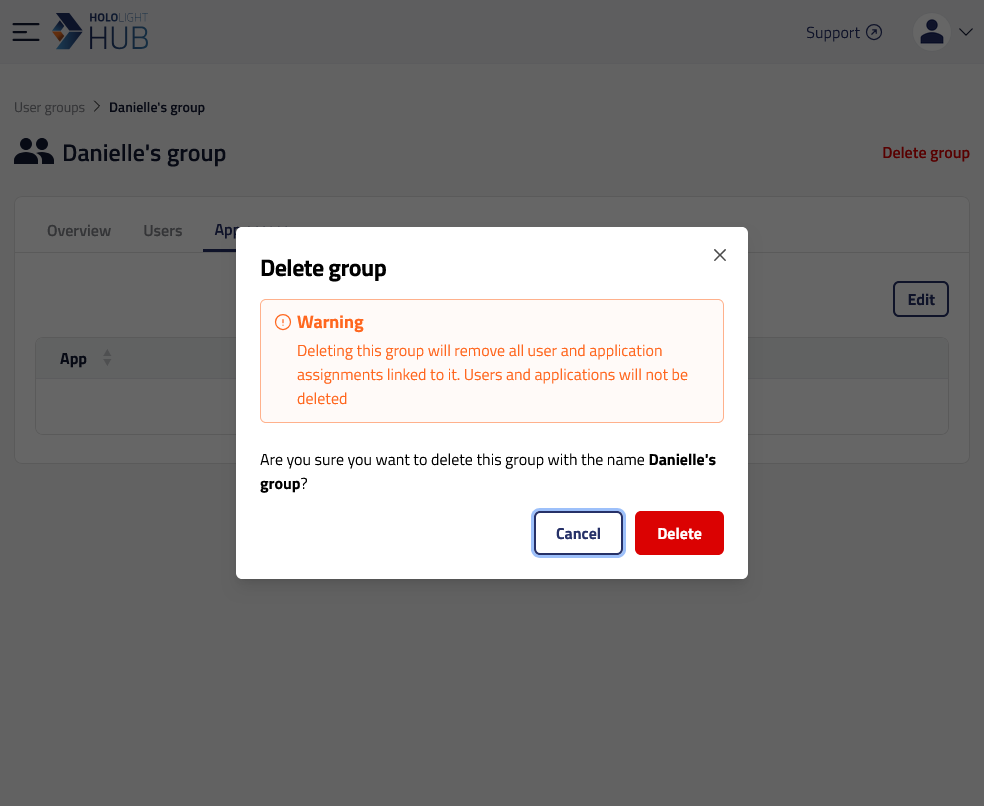
| You can also select the three dots icon at the end of a group’s entry on the user groups screen. Then select Delete. You will then be asked if you are sure you want to delete the group. Select Delete again. |