Edit application automatic shutdown time in Hololight Hub
Prerequisites
-
You have a Hololight Hub account.
-
You have an account with an administrator or tenant manager access role.
Edit application automatic shutdown time
You can change the amount of time in minutes before a session of the application automatically shuts down when you start a session. This countdown is only in effect until you connect to the session with a device using Hololight Hub.
-
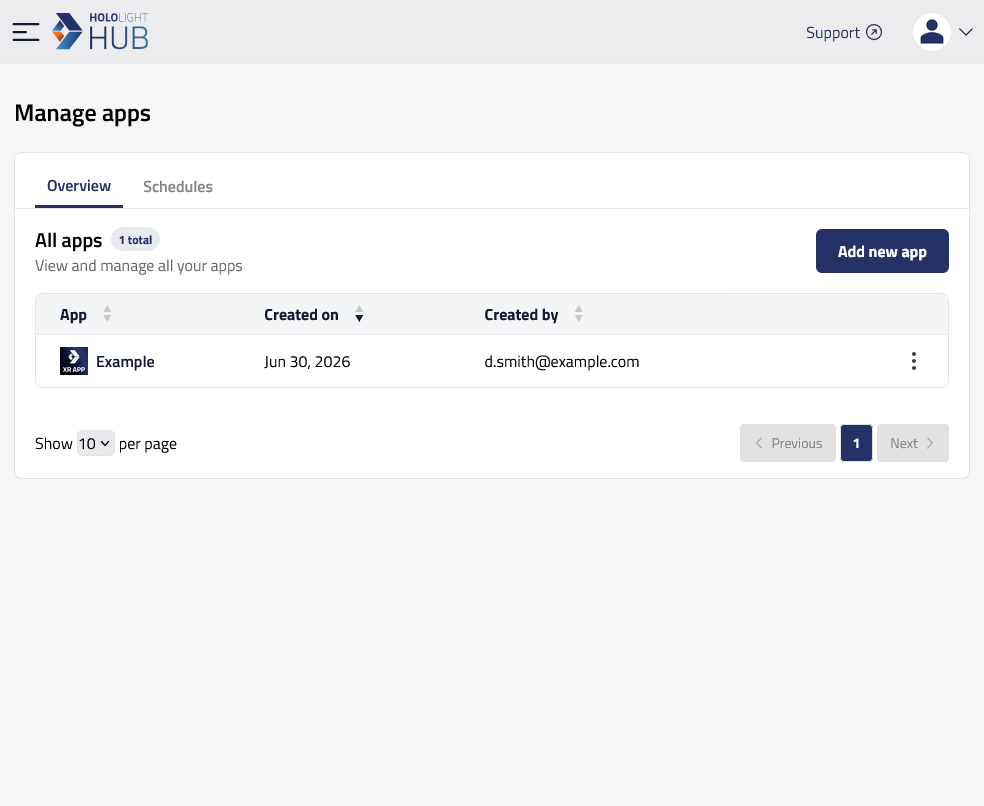
Select APPLICATION > Manage apps.
-
Select the title of the application from the list.
-
Select Advanced settings.
-
Select Edit
-
Change the value next to Automatic shutdown.
-
Select Save changes when you are finished. To discard your changes, select Cancel.