Set up Hololight Hub final components
Prerequisites
-
Computer, physical or virtualized, for hosting Hololight Hub.
-
Hololight Hub setup wizard.
-
Hololight Hub license file.
-
Your own fully-qualified domain name, along with a domain certificate and corresponding private key
Set up final components
-
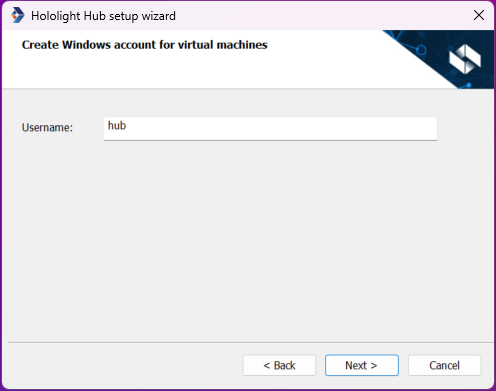
Choose and enter a username for the Windows account for virtual machines, then select Next. You need to remember this username for future use.
-
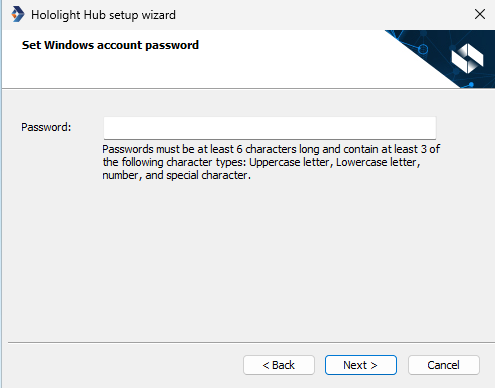
Choose and enter a password for the Windows account for virtual machines, then select Next. You need to remember this password for future use.
-
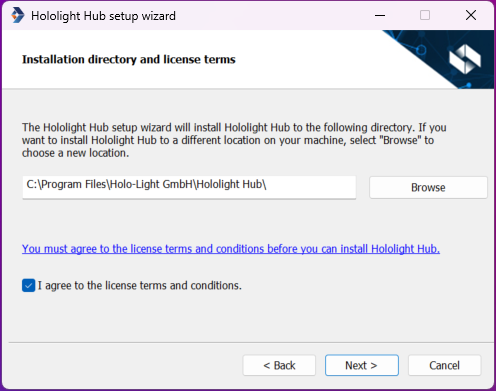
If you need to use a different installation directory, select Browse and choose one. Either way, check the checkbox next to I agree to the license terms and conditions, and then select Next.
-
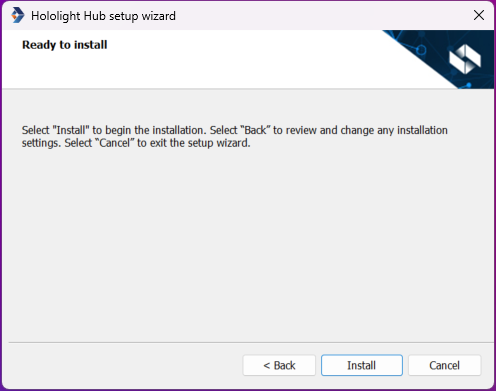
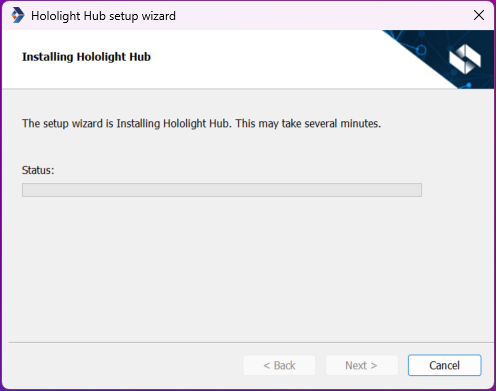
Select Install.
-
When the installation is finished, select Next.
Install a Windows Services for Hololight Hub
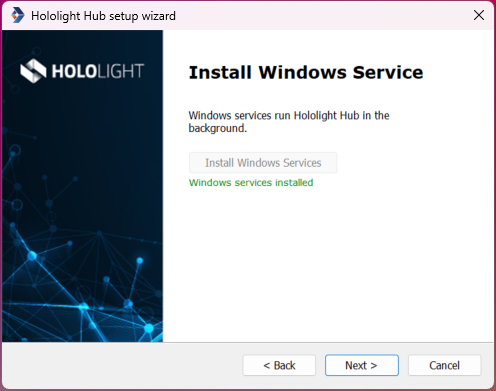
Unless you have conflicting requirements, you should set up Hololight Hub Windows services.
-
Select Install Windows Services.
-
Select Next.
-
Select Finish.
After Hololight Hub setup wizard
After setting up Hololight Hub with the setup wizard it is time to set up a virtual machine as a rendering instance to support your first application.