Add a user group in Hololight Hub
Contents
Prerequisites
-
You have a Hololight Hub account.
-
You have an account with an administrator or tenant manager access role.
Add a user groups
-
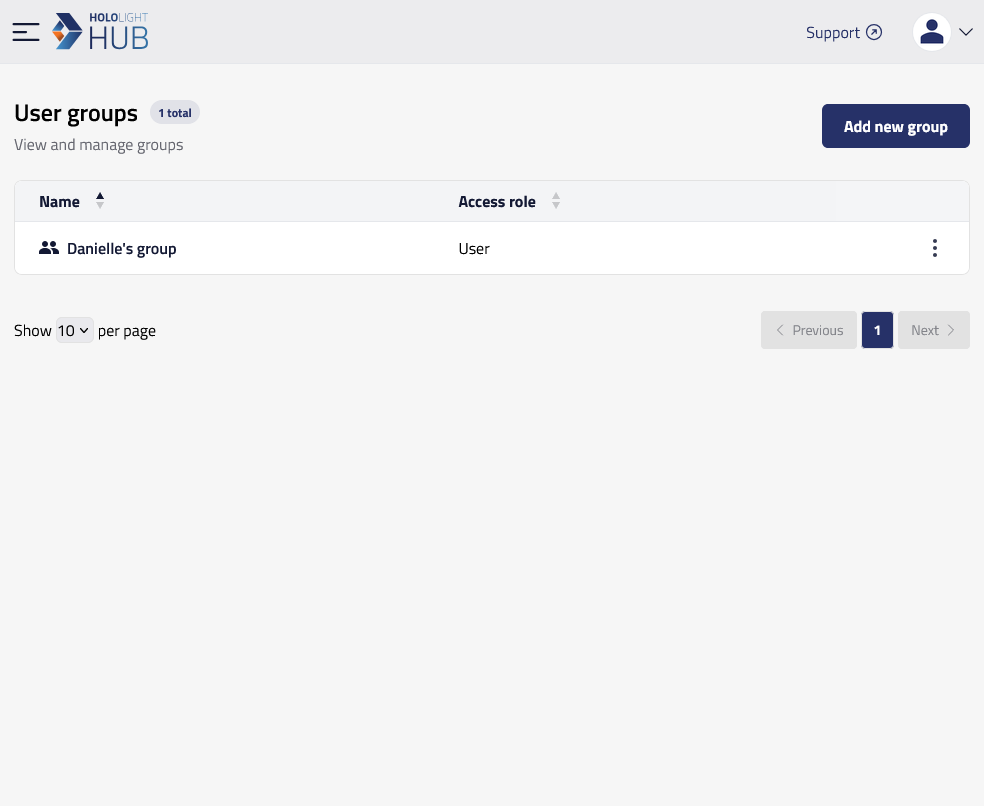
Select USERS > User groups > Add new group.
-
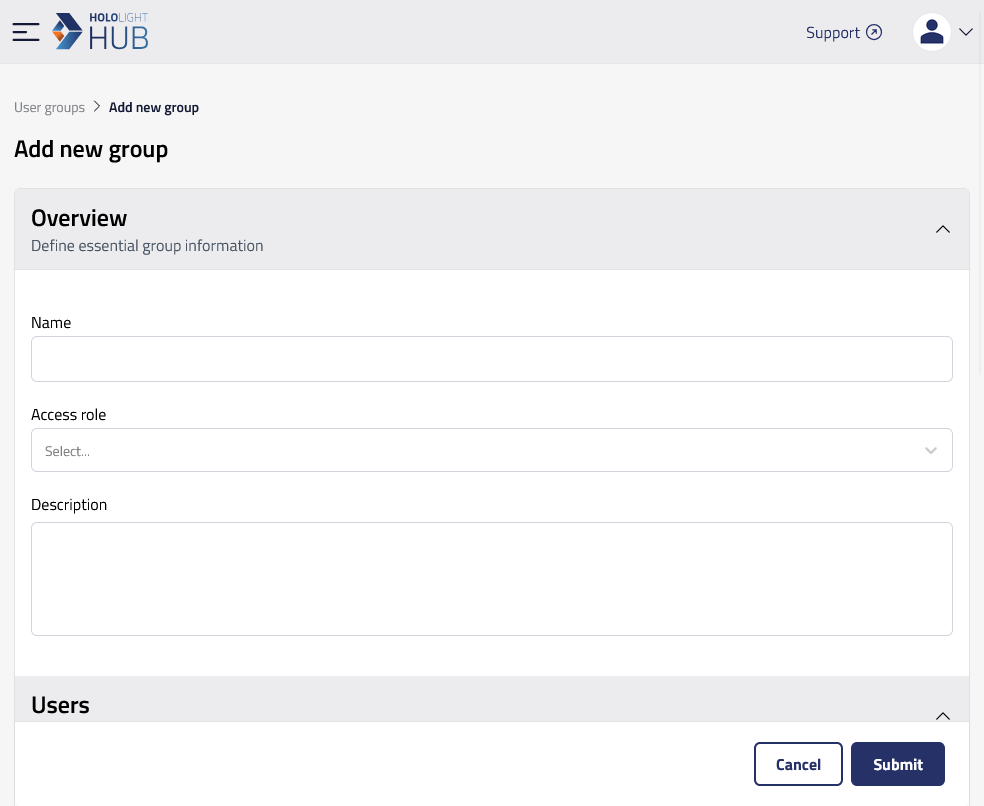
Enter a Name, Access role, and Description for the group.
-
Under Users, add a checkmark to every user you want to be in the group.
-
Under App access, add a checkmark to every application you want members of the group to be able to start application sessions for.
-
Select Submit.