View a single user group’s details in Hololight Hub
Prerequisites
-
You have a Hololight Hub account.
-
You have an account with an administrator or tenant manager access role.
View a single user group’s details
-
Select USERS > User groups.
-
Select a groups’s name.
You can now see information specific to the selected group.
Information about the group is divided across the following three categories:
Overview
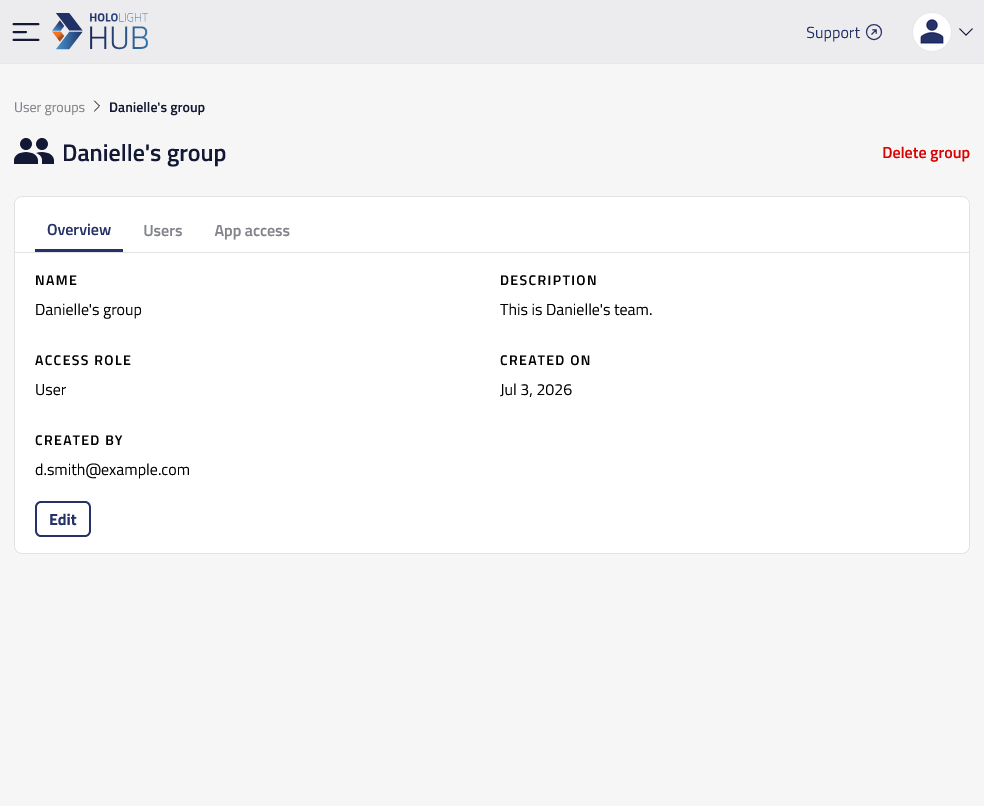
The overview shows general information about the group.
You can see the following details about the user:
Property |
Description |
Name |
Name of the group. |
Description |
Description of the group. |
Access role |
Access role assigned to all members of the group. |
Status |
Activation status of all members of the group. |
Created on |
The date and time the group was created. |
Created by |
The user who created the group. |
For information on editing a user’s details, check out Edit user group’s details in a tenant in Hololight Hub
Users
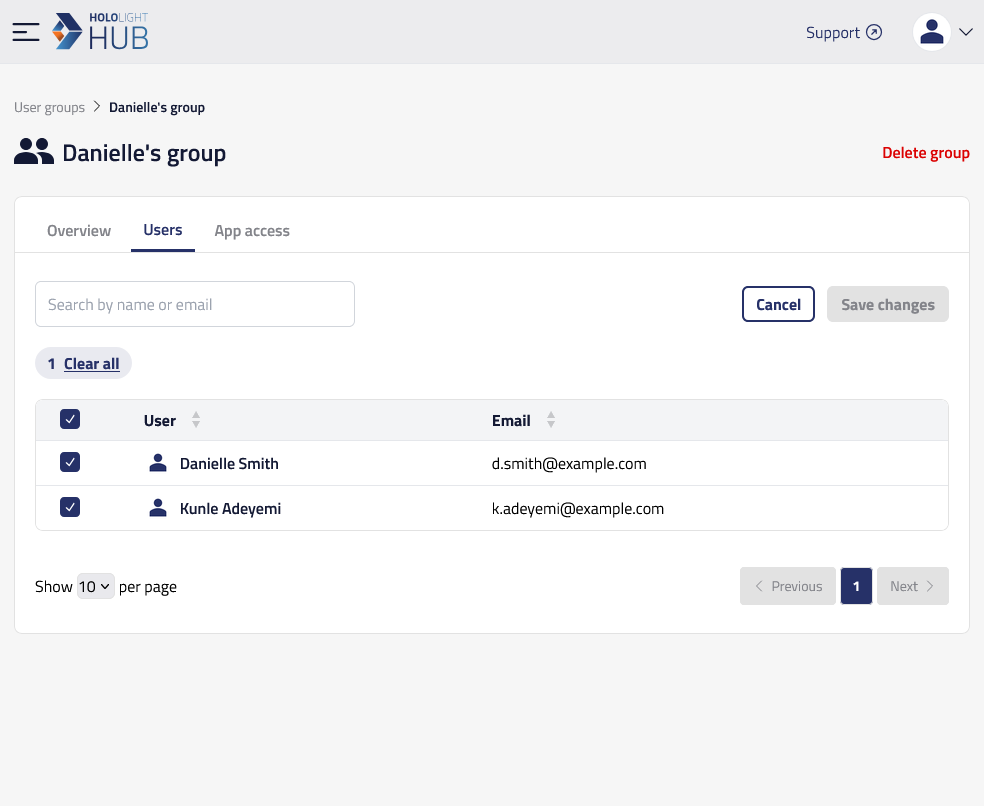
You can see what users are in the group and their email addresses. You can then select a user’s name to view more details.
Application access
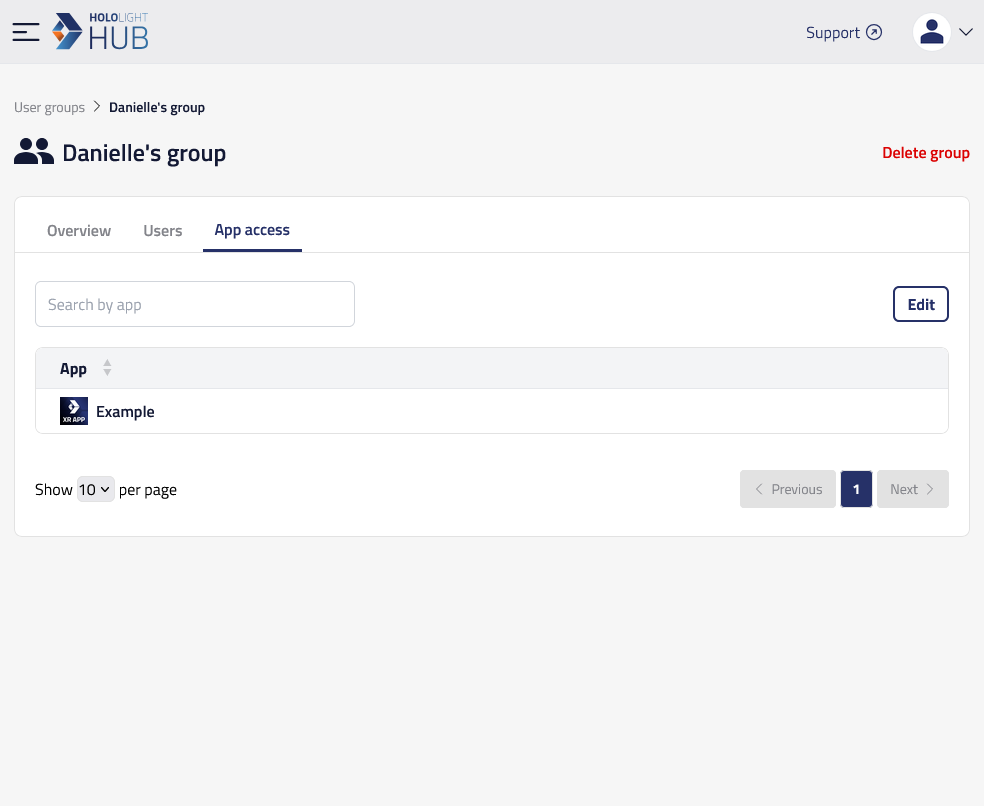
You can see what applications the users in the group are allowed to start sessions for. This is so you can associate application access rules across multiple users in your tenant.
For information on editing a user group’s application access, check out Edit a user group’s application access in your tenant in Hololight Hub