Run setup wizard for rendering instance to use with Hololight Hub
Run setup wizard for rendering instance
-
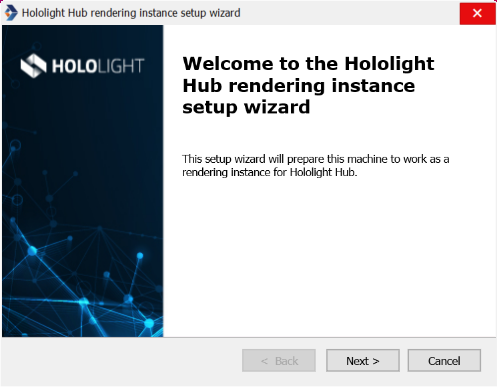
Select Next.
-
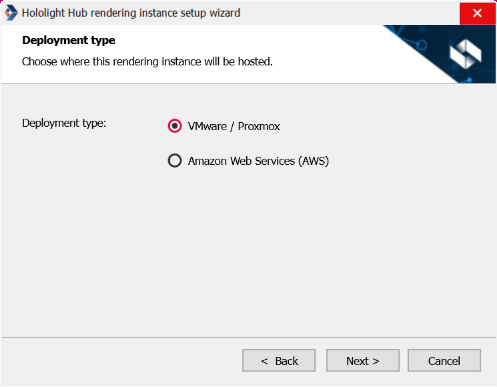
Select a deployment type based on the hypervisor you set up.
-
Depending on your hypervisor, follow the instructions in either option A or option B.
Option A. Set up rendering instance for Hololight Hub deployments using Amazon Web Services
-
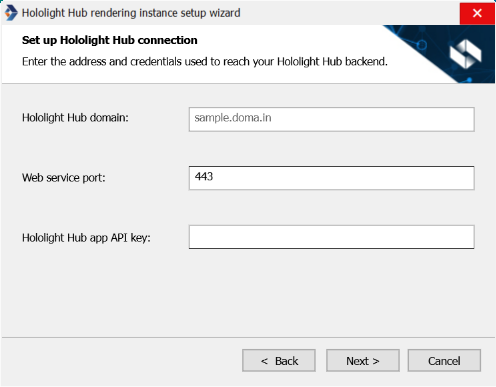
Fill out the fields and then select Next.
-
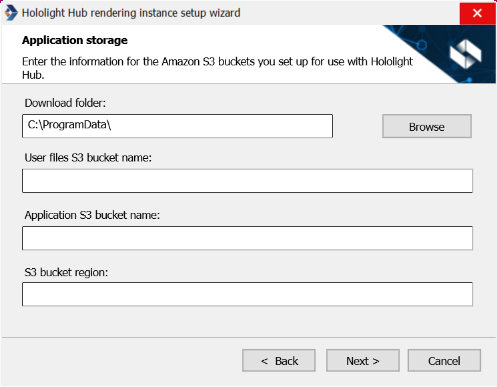
Fill out the fields and then select Next.
-
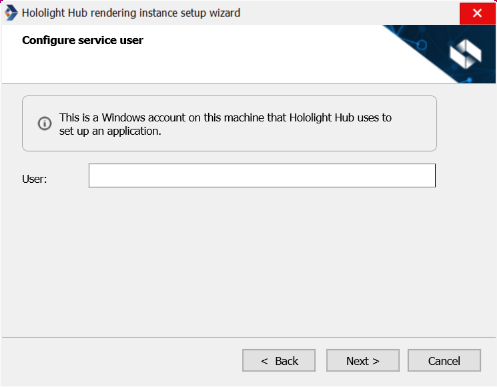
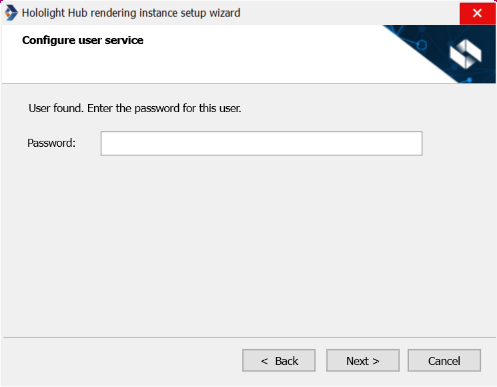
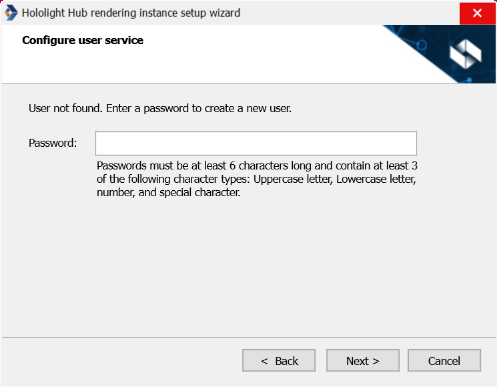
Enter a name for the service user, then select Next.
-
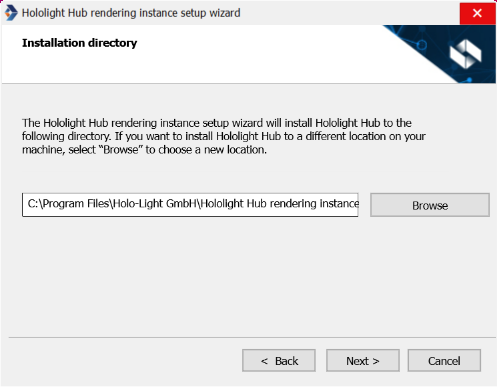
You have the opportunity to change the installation directory if needed. When you are ready to continue, select Next.
-
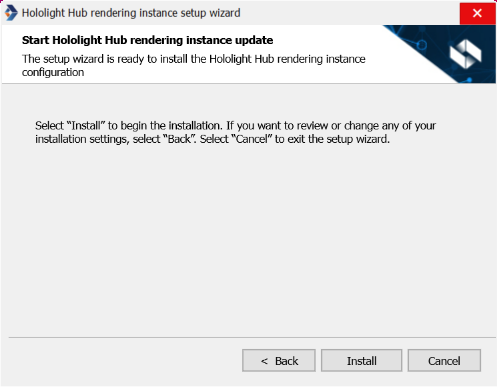
Select Install.
-
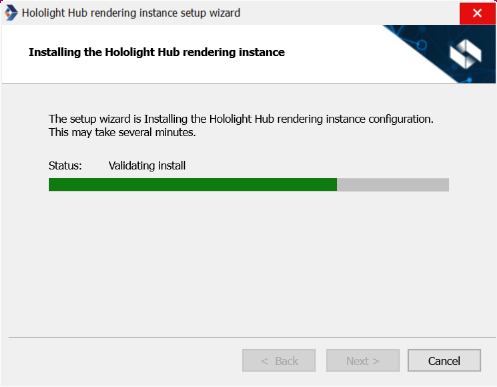
When the installation is finished, select Next.
-
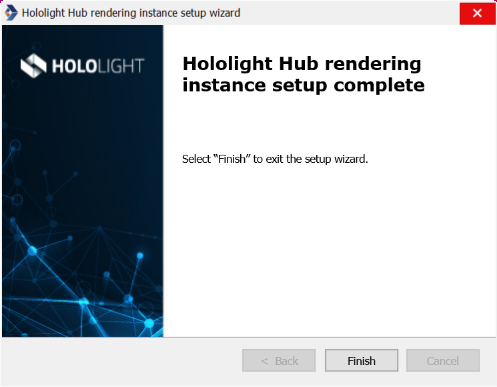
Select Finish.
Option B. Set up rendering instance for Hololight Hub deployments using VMware or Proxmox
-
Fill out the fields and then select Next.
-
Fill out the fields and then select Next.
-
Enter a name for the service user, then select Next.
-
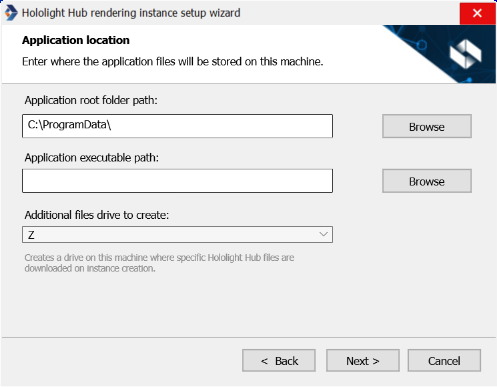
You have the opportunity to change the installation directory if needed. When you are ready to continue, select Next.
-
Select Install.
-
When the installation is finished, select Next.
-
Select Finish.