Configure Hololight Stream XR device settings
Configure device settings
Hololight Stream supports many devices, and these devices, while they share features, also have specifications that make them different from one another. Using Hololight Stream allows you to change settings to better fit a streaming session with the connected device.
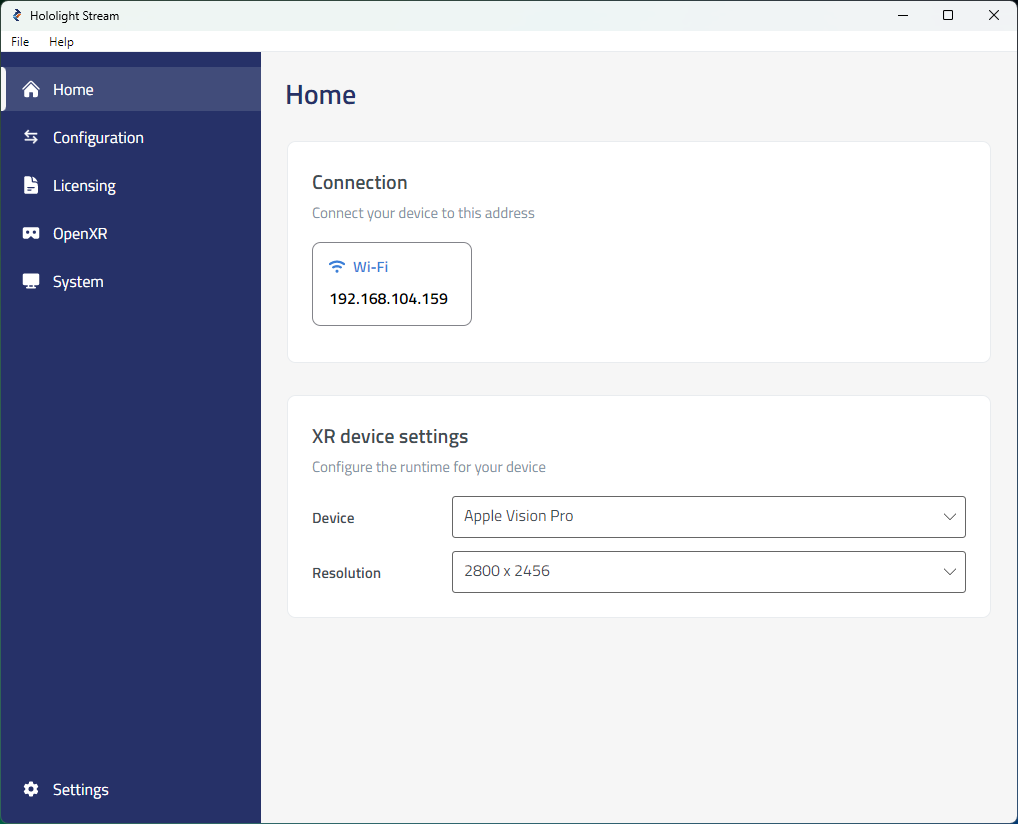
There are also options to select the appropriate resolution to stream based on the device you plan to connect with.