Autodesk VRED with Hololight Stream
Autodesk VRED
Autodesk VRED is real-time, physics-based 3D visualization software.
| The Hololight Stream setup wizard automatically installs the Autodesk VRED plugin for all versions of Autodesk VRED installed on your computer. |
For more information about Autodesk VRED, including installing and using the software, check out Autodesk VRED: Stunning visuals for digital prototyping.
Configure Autodesk VRED to work with Hololight Stream
1. Install and set up Hololight Stream
-
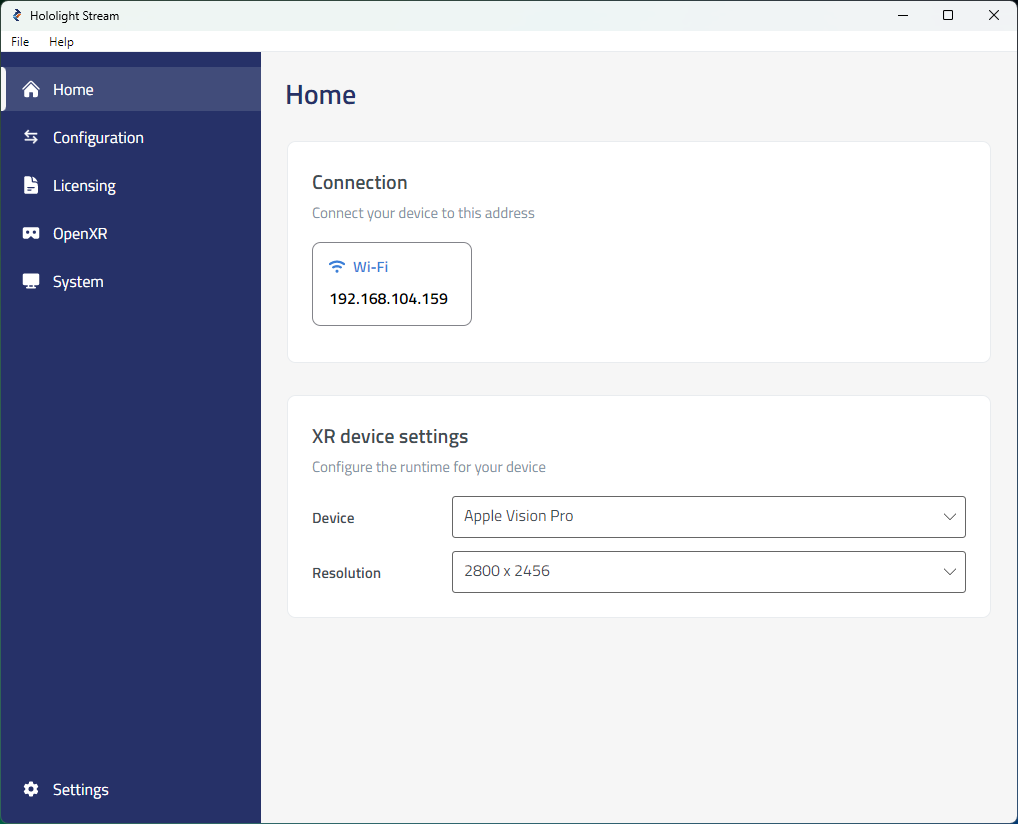
Open Hololight Stream on your computer.
-
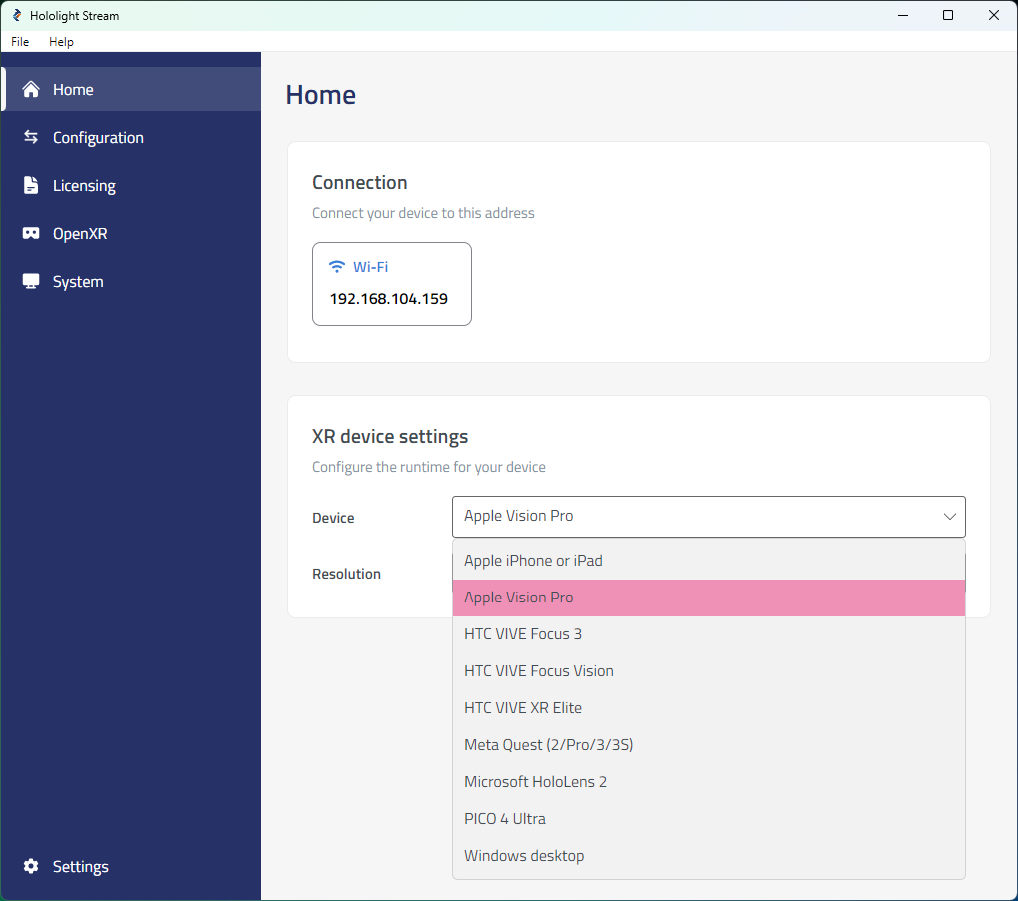
Select your XR device in the dropdown menu.
-
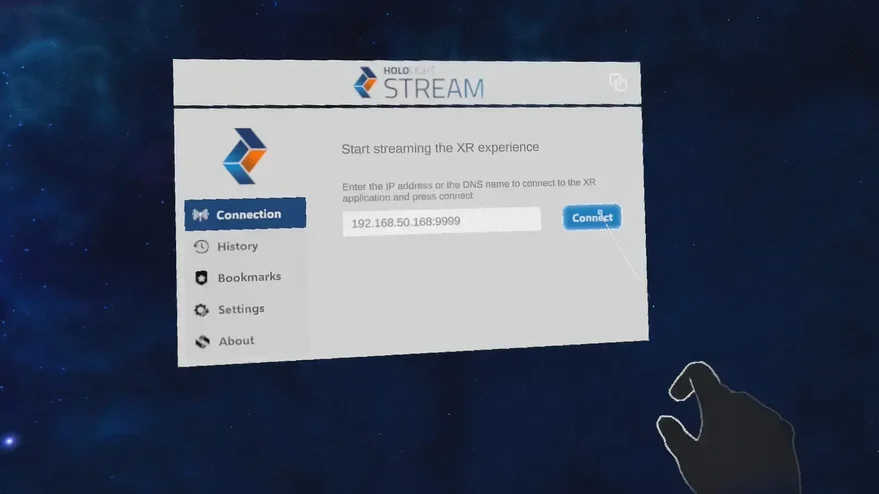
Under Home > Connection, note the IP address. You will use this IP address on your XR device to connect.
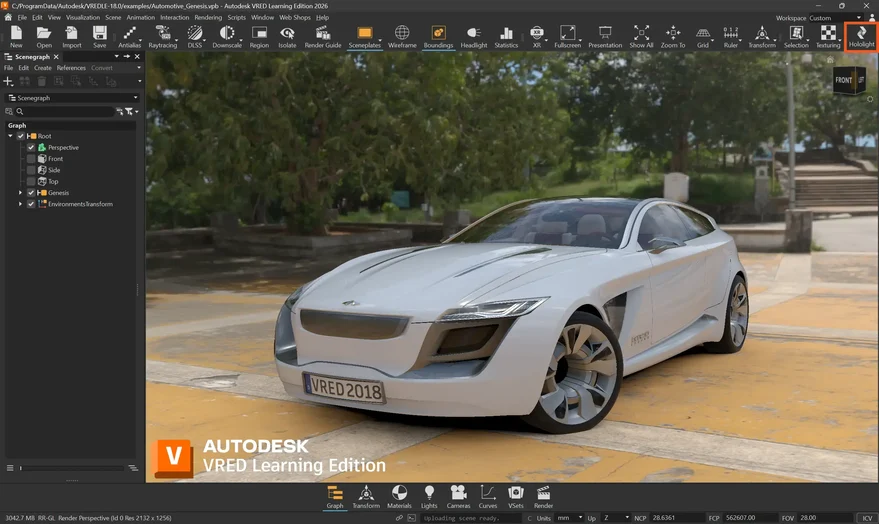
Hand tracking, passthrough, and teleport in Autodesk VRED
-
In Autodesk VRED, select Edit > Preferences in the top-left corner.
-
In the left sidebar, scroll down to Extended Reality > Interaction.
Interaction in Autodesk VRED
Interaction in Autodesk VRED depends on your XR device and whether you’re using controllers or hand tracking. Controller input has the same functionality as hand tracking.
For more information on interaction in Autodesk VRED, check out Interaction Preferences.