Hololight Stream settings
Contents
Objectives
-
Be able to find and change settings in Hololight Stream.
-
Be able to set whether Hololight Stream starts automatically when Windows starts.
Settings
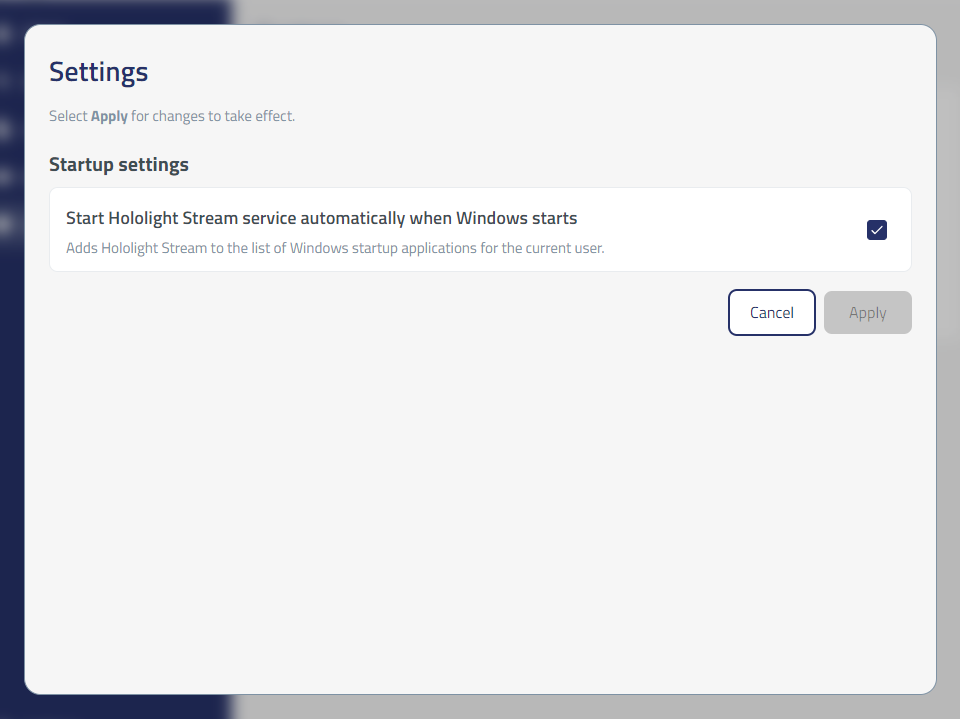
Enable the Hololight Stream service to automatically start when Windows starts
You can choose whether Hololight Stream starts automatically, or you can start Hololight Stream only when you need it. Hololight Stream runs in the background, and while it runs you can use it to connect to applications.
-
Open Settings.
-
Select the checkbox next to Start Hololight Stream service automatically when Windows starts.
-
Select Apply.