Windows system tray and Hololight Stream
Contents
Windows system tray
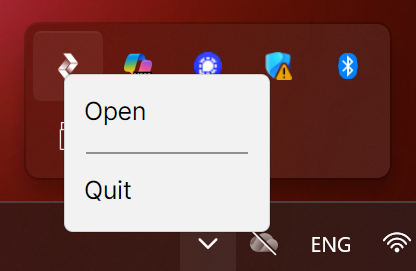
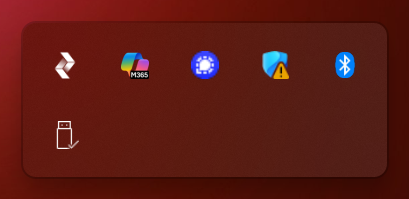
When you install Hololight Stream, it is added to the Windows system tray. If Hololight Stream appears in the system tray, that means it is currently running and that you are able to connect to an application you started.
If you need to make changes or manage Hololight Stream, right-click the icon in the system tray to either Open the Hololight Stream desktop application or Quit Hololight Stream. If you quit Hololight Stream you will need to start it again using Windows Search or a shortcut.