UNIGINE with Hololight Stream
Contents
UNIGINE
UNIGINE is a real-time 3D engine with advanced graphics, physics, and VR capabilities.
For more information about UNIGINE, check out https://unigine.com/.
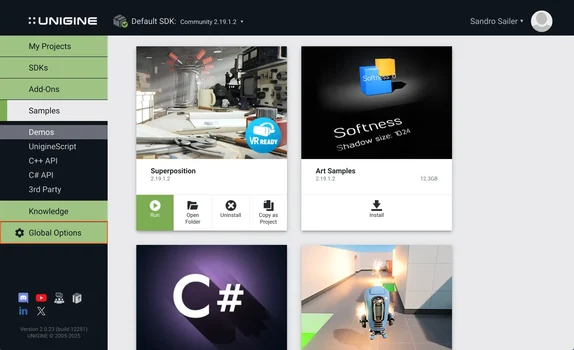
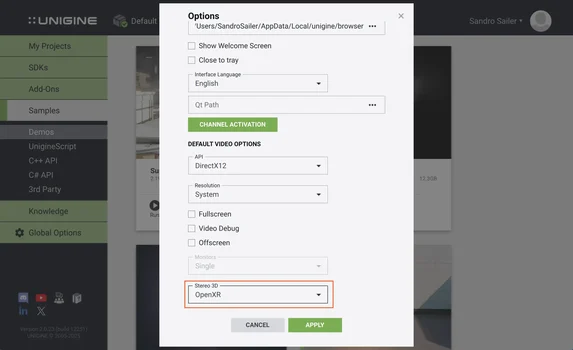
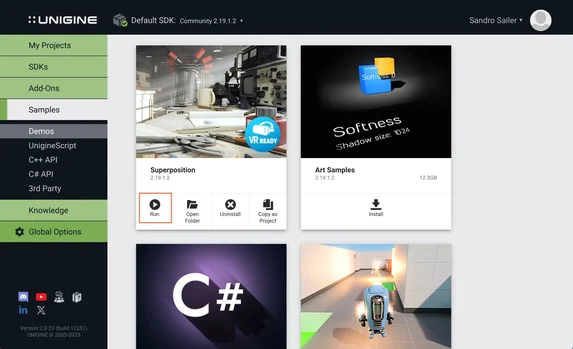
Configure UNIGINE to work with Hololight Stream
1. Install and set up Hololight Stream
-
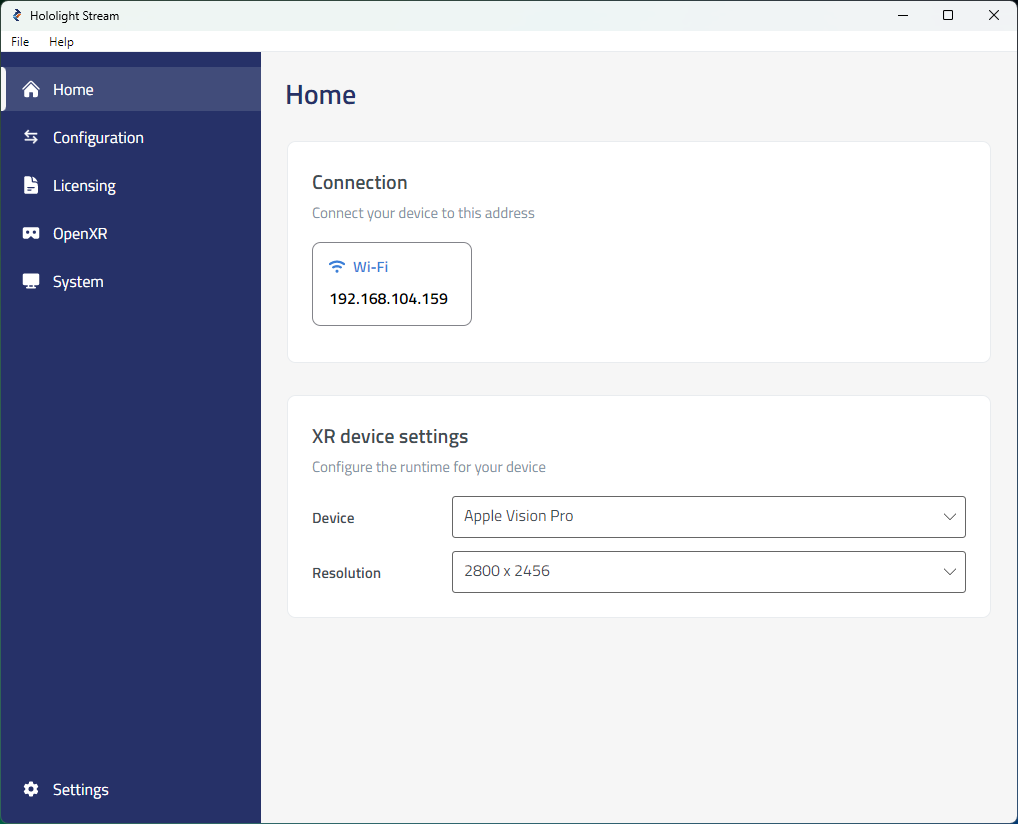
Open Hololight Stream on your computer.
-
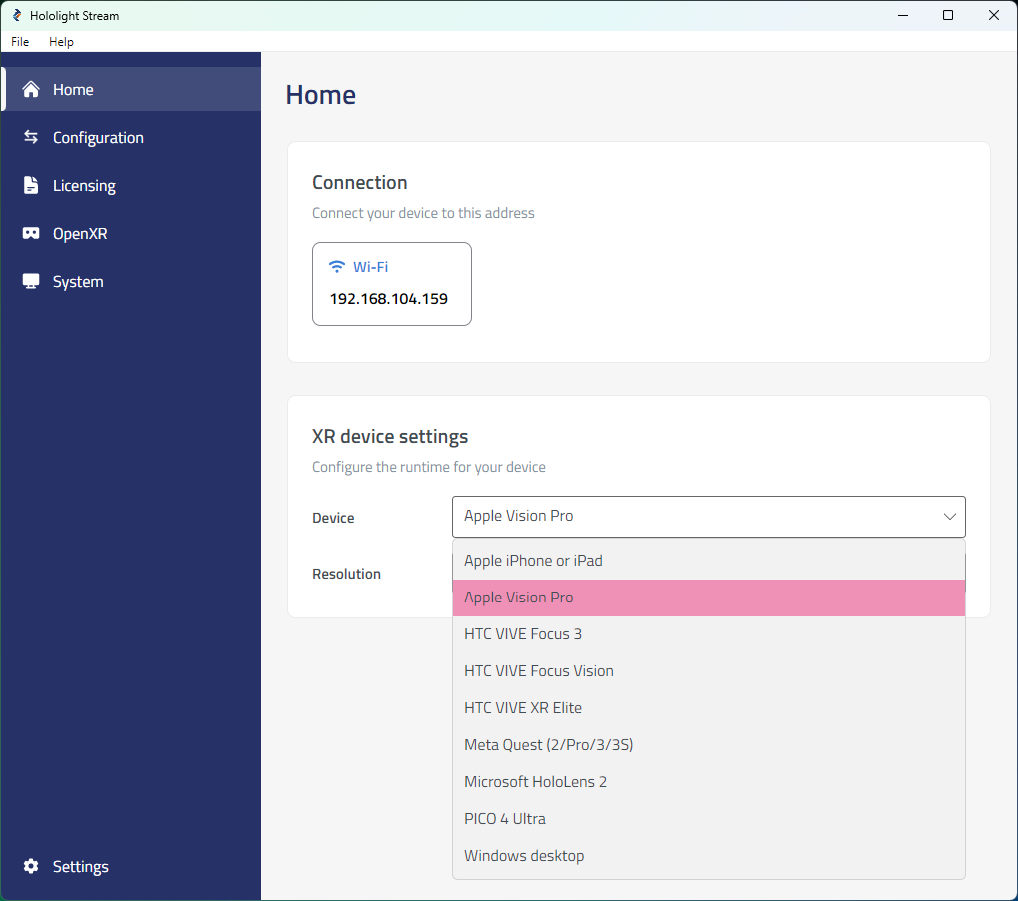
Select your XR device in the dropdown menu.
-
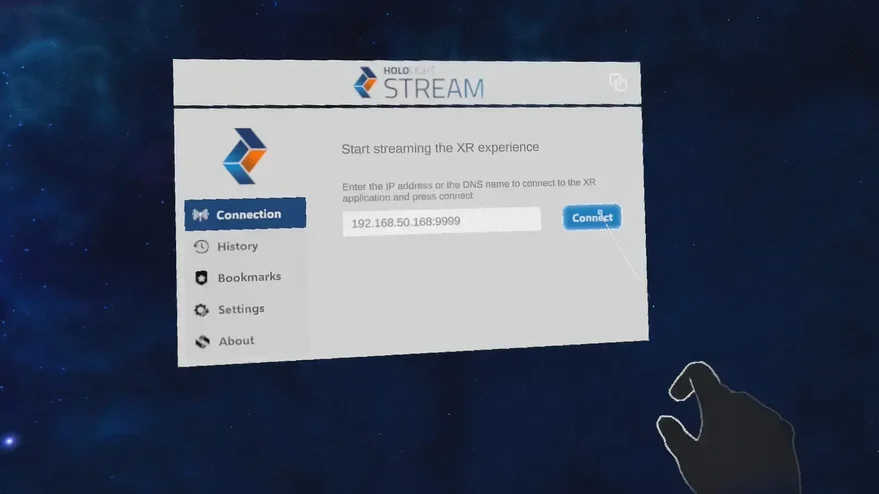
Under Home > Connection, note the IP address. You will use this IP address on your XR device to connect.