XR browser in Hololight Space
Contents
XR browser
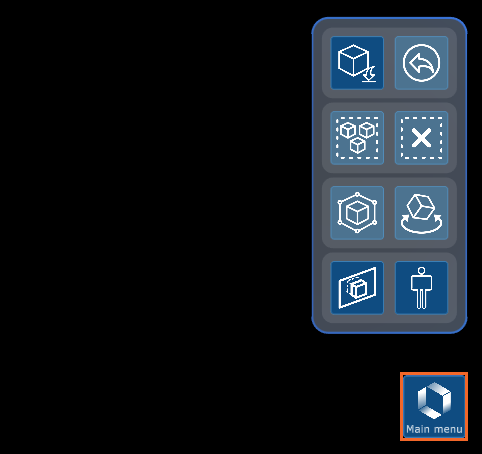
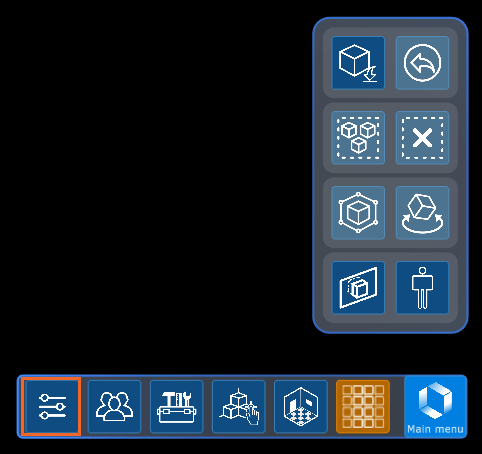
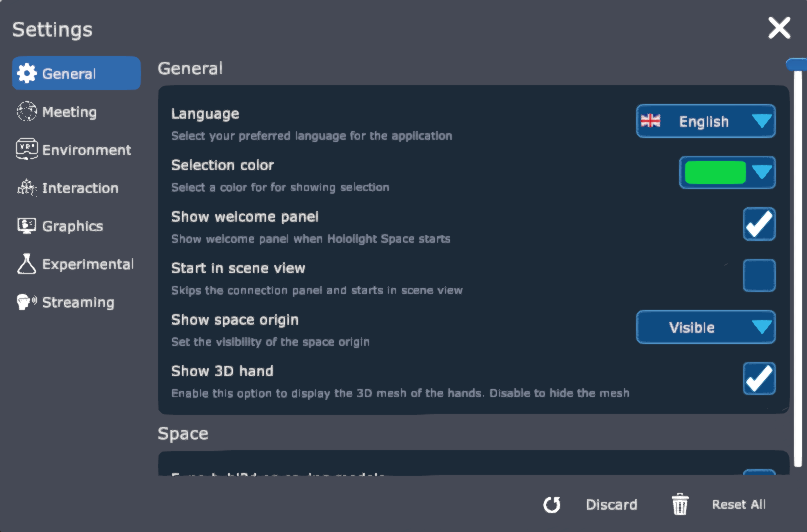
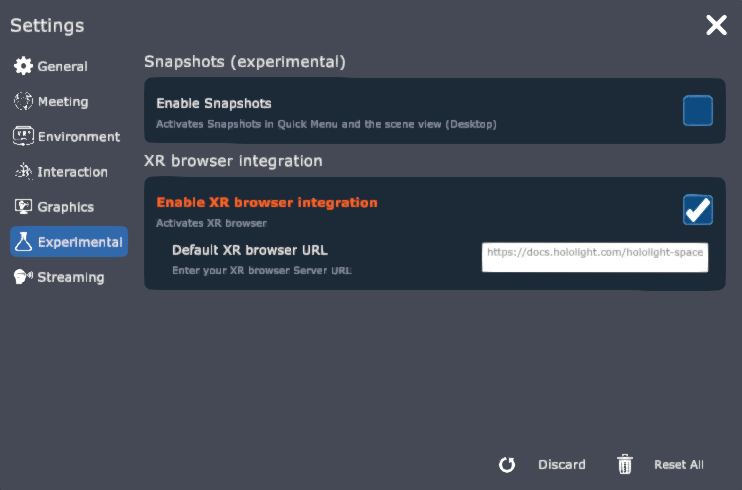
Enable the XR browser
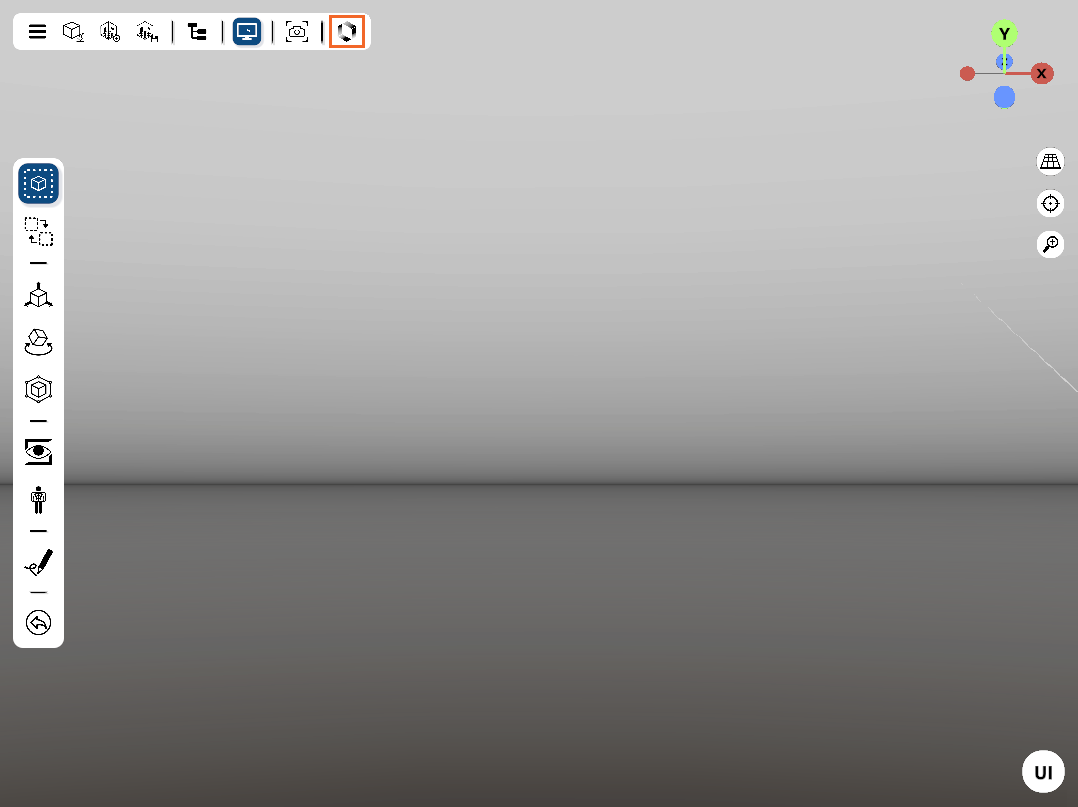
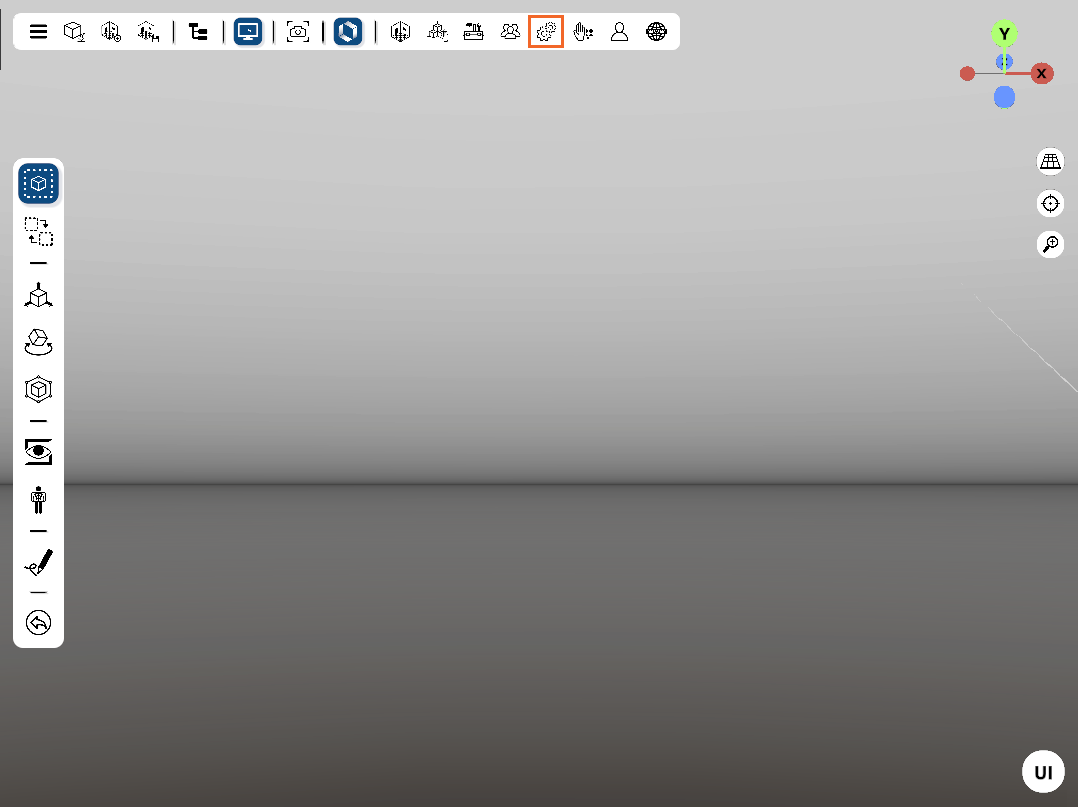
Open the XR browser
Once you’ve enabled the XR browser in the experimental settings, you can open and use the XR browser.

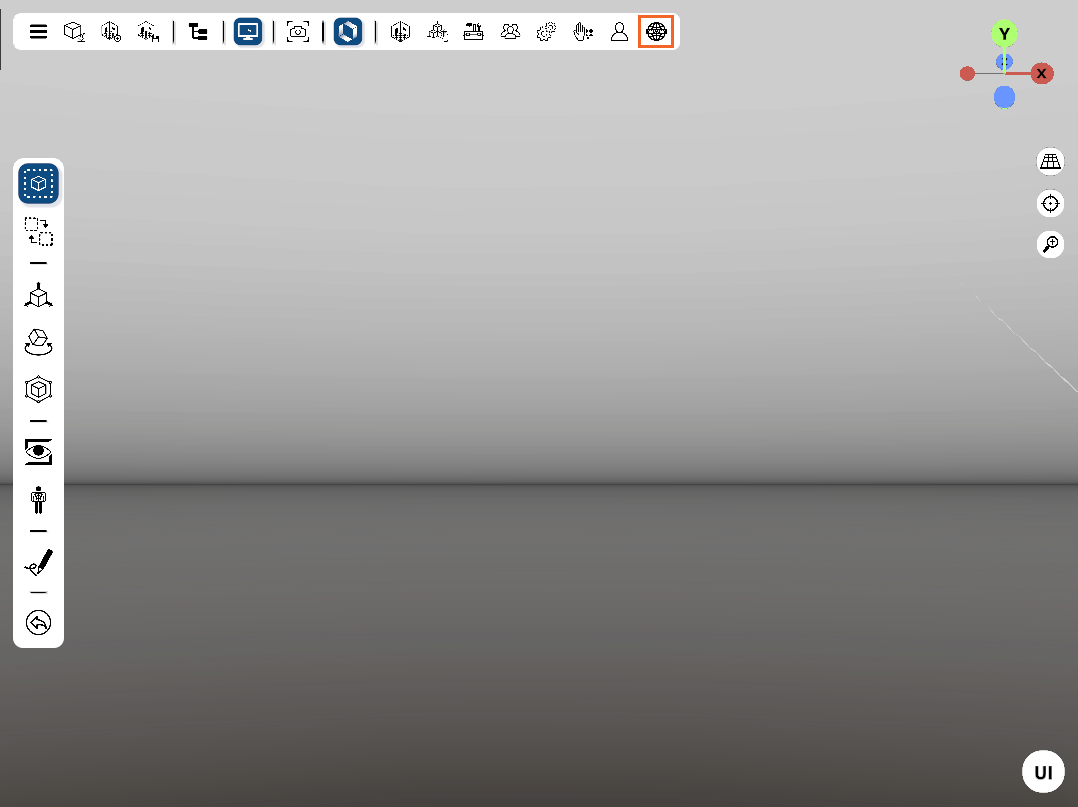
Use the XR browser
The XR browser works like any other web browser. Select links to go to new pages and drag to scroll.
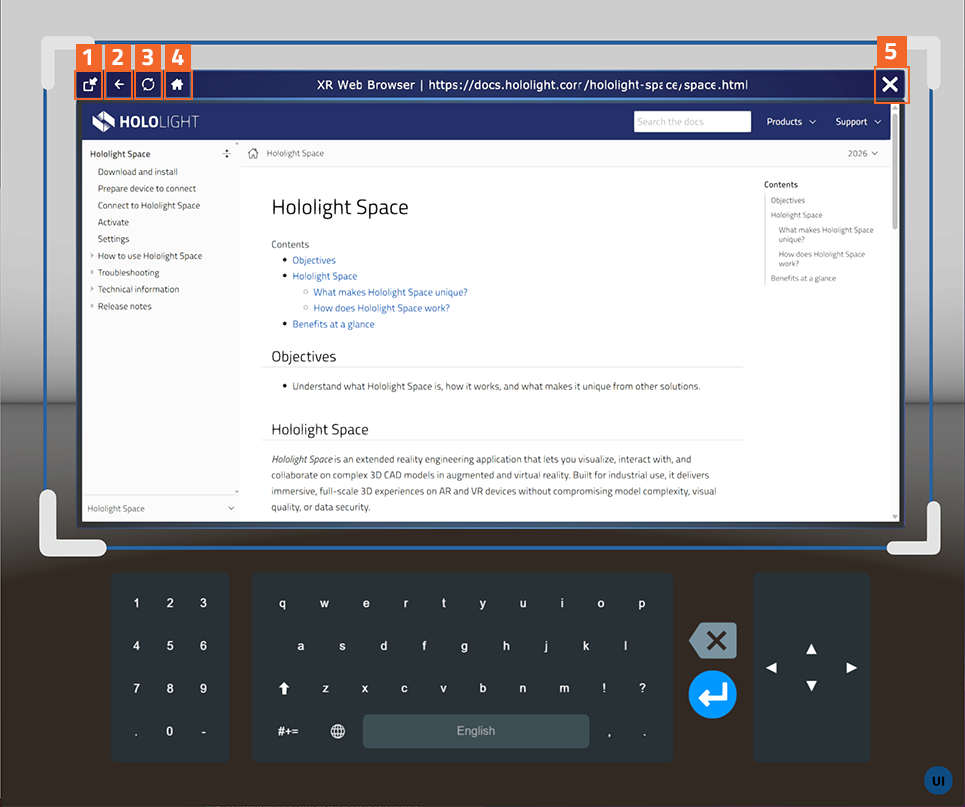
| Label number | Icon | Button | Function |
|---|---|---|---|
1 |

|
Toggle panel tag-along |
Sets the XR browser to follow you. |
1 |

|
Toggle panel tag-along |
Sets the XR browser to stay in place. |
2 |

|
Back |
Goes back to the previous page. |
3 |

|
Refresh |
Refreshes the page. |
4 |

|
Home |
Goes back to the home page. The home page can be changed in the experimental settings. |
5 |

|
Close |
Closes the XR browser. |