Download and install Hololight Space
Download and install
Before you begin, choose your computer. This device can be a desktop computer, a laptop, or a computer running on a server rack, as long as it uses a Windows operating system.
Make sure your computer running Hololight Space has a dedicated graphics processing unit (GPU) powerful enough to handle the 3D models you want to load.
Download Hololight Space
-
Open a web browser on your workstation.
-
Go to the Hololight Space downloads page.
-
Under Hololight Space > Installer, select DOWNLOAD FOR WINDOWS or DOWNLOAD MSI VERSION.
-
Once the download is complete, double-click the installer file.
-
Check the box next to I agree to the License terms and conditions, then select Next.
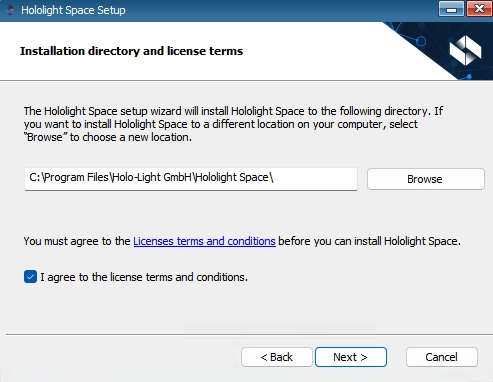
You can choose to create desktop shortcuts for quick access to Hololight Space. -
Select Next.
-
Select Install.
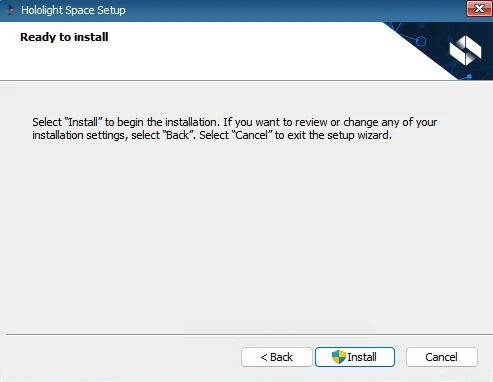
User Account Control might pop up to allow changes to your device. Continue by selecting Yes. You might need to enter your administrator credentials. 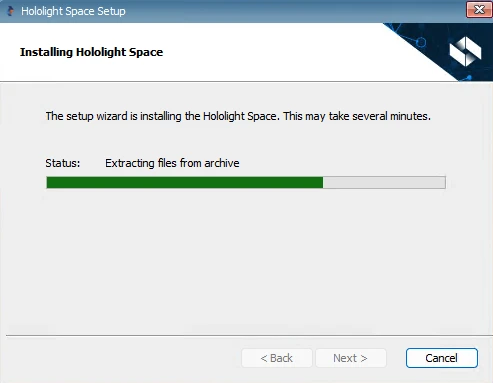
-
Wait for the installation to complete, then select Finish.
-
On your desktop, double-click Hololight Space to start the app for the first time.