Modify, repair, or remove Hololight Stream Runtime
Objectives
-
Be able to modify Hololight Stream Runtime.
-
Be able to repair Hololight Stream Runtime.
-
Be able to uninstall Hololight Stream Runtime.
Modify, repair, or remove Hololight Stream Runtime
To modify, repair, or remove Hololight Stream Runtime, open the installer again after you already installed the runtime.
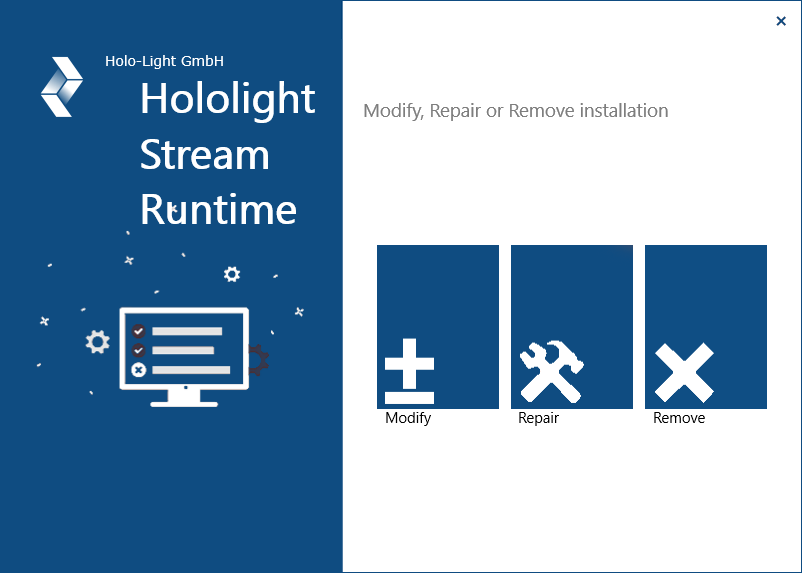
Modify lets you add or remove the Hololight Stream Runtime Autodesk VRED embedded utility for specific versions of Autodesk VRED,
Repair reinstalls Hololight Stream Runtime. This may resolve issues that arise when using the runtime.
Remove uninstalls Hololight Stream Runtime.
Alternate way to uninstall or modify Hololight Stream Runtime
-
Search for and select Add or remove programs.
-
In the Search apps text box, search "Hololight Stream Runtime".
-
Select the three dots on the Hololight Stream Runtime tile that appears and then Uninstall or Modify.
-
Follow the steps to complete the uninstallation.