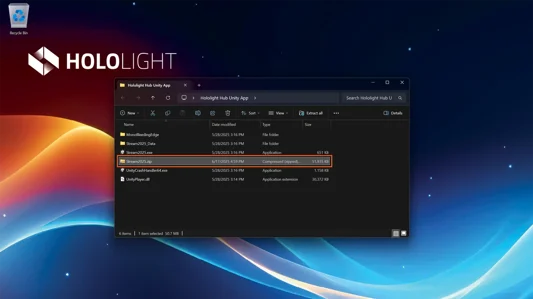
Package your applications to upload to Hololight Hub
Objectives
-
Understand how to correctly package applications you developed to upload them to Hololight Hub.
Package your applications
When preparing an app package for Hololight Hub, it is important to correctly package the ZIP file to ensure that Hololight Hub can read and deploy the application without issues.
What should be inside the ZIP file?
Navigate to the folder where your application files are located. You need to select all files and subfolders inside this folder, at the level where your application executable is located. Do not zip the parent folder itself. The ZIP file must contain the application files directly at the root level of the archive.
-
Navigate to your app folder.
-
Select everything inside the folder.
-
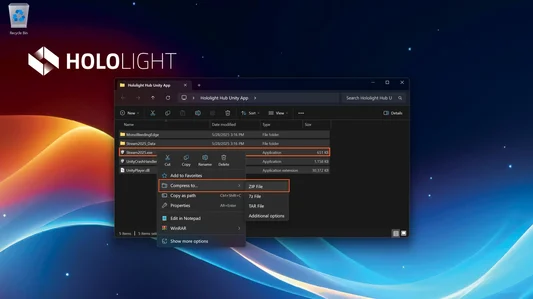
Right-click the executable.
-
Select Compress > ZIP file.
-
Wait for the process to finish.
-
Upload the created ZIP file to Hololight Hub.